Guide
Alight Motion is a mobile app for animation, motion graphics and video editing. Creators use it to make animated text, logo reveals, smooth transitions and short videos for YouTube, Instagram and TikTok. Because watermark removal and premium tools are part of a paid plan, many people search for Alight Motion Mod APK, Alight Motion Pro APK or Alight Motion without watermark.
This guide covers the main features, the difference between the original, premium and mod versions, device requirements, installation steps and the common problems users face. It also explains what to think about before installing any unofficial file.
1. What is Alight Motion?
Alight Motion is a layer-based editor. Unlike a simple video trimmer, it lets you stack video clips, images, shapes, text and audio, then animate each one separately. You can move, scale, rotate and fade objects over time, which is what makes it popular for intros, lyric videos, edits and animated logos.
The official app is free for basic editing, and exports carry a watermark. A paid membership removes the watermark and unlocks Pro features and effects.
2. App information
| Detail | Info |
|---|---|
| App name | Alight Motion |
| Category | Video editor and motion graphics |
| Developer | Alight Creative, Inc. |
| Platform | Android and iPhone (official stores) |
| Price | Free with watermark, paid membership for Pro |
| Minimum memory | At least 1.5 GB RAM, as listed on Google Play |
| Version, size, Android version | Changes with each release, check the store page |
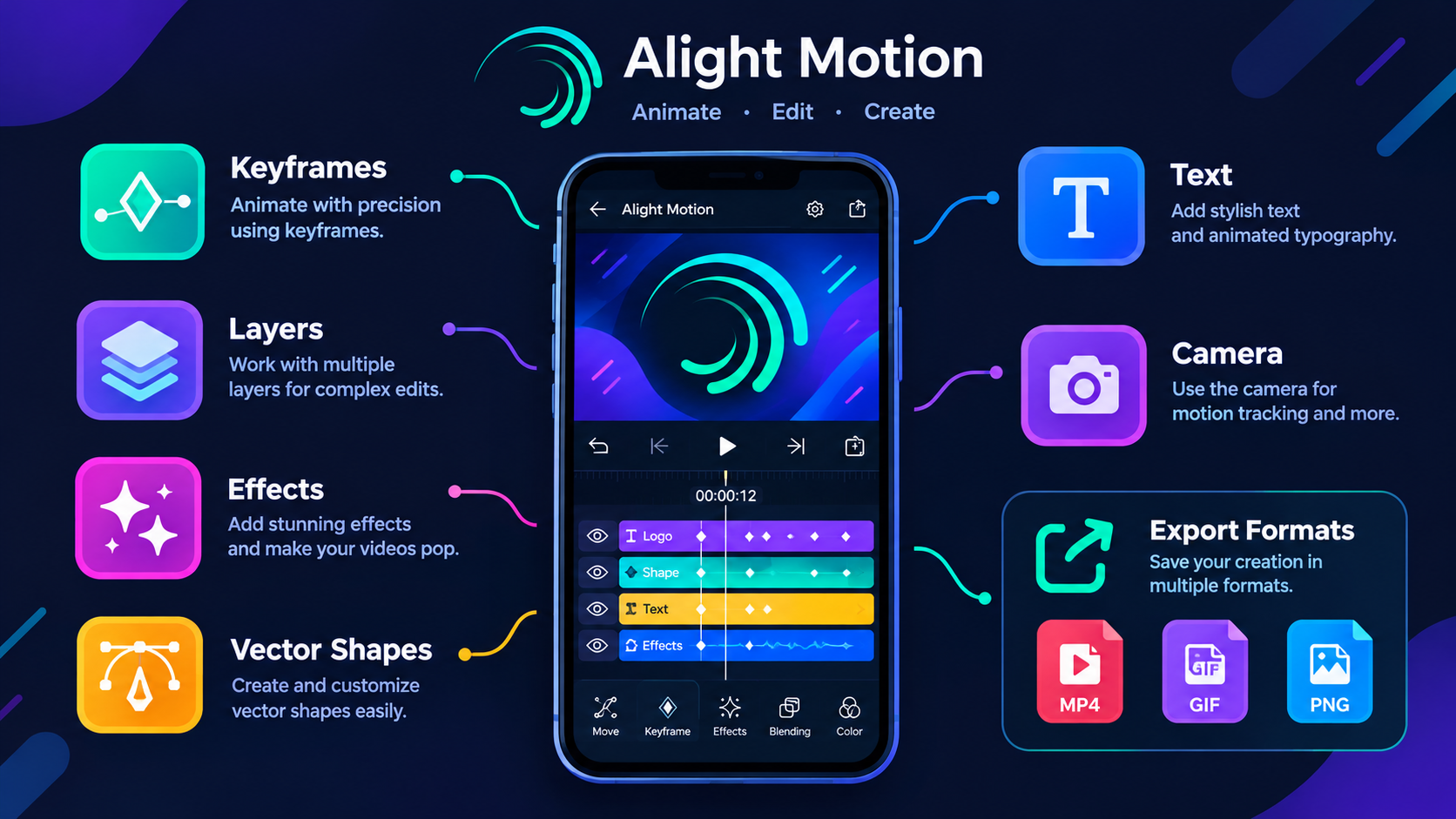
3. Main features of Alight Motion
The tools you see can change a little between versions and membership types, but these are the core features most creators use.
Keyframe animation. Keyframes let you set how an object changes over time, such as position, size, rotation and opacity. A title can slide in, a logo can grow, or text can fade in line by line. Good timing between keyframes matters more than adding many effects.
Layers and compositing. You can combine video, images, shapes and audio in one project. Keep related items grouped and name important layers, so a long project stays easy to edit.
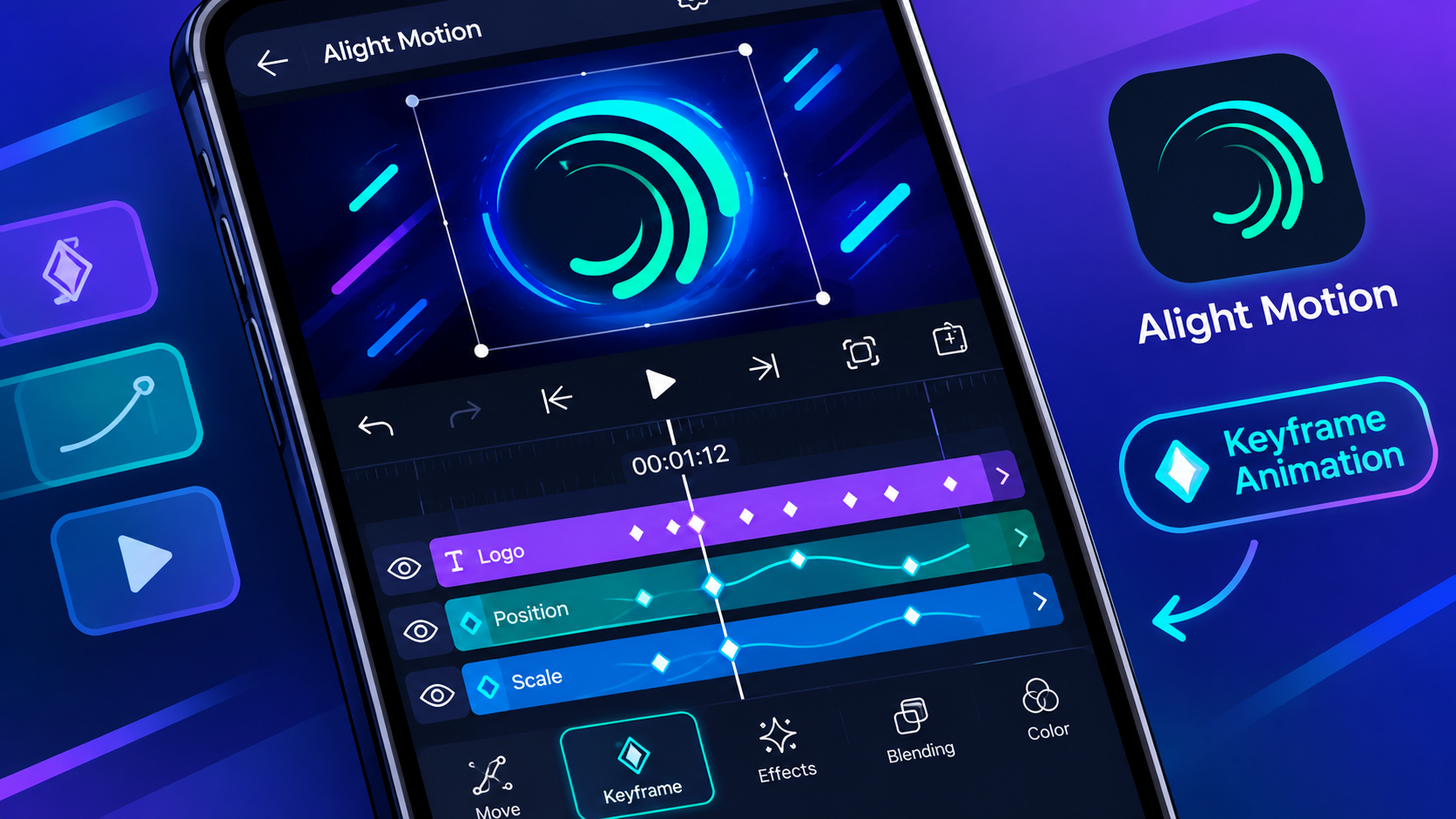
Visual effects and colour. Blur, shadow, glow, glitch-style looks and colour adjustments can be mixed to build your own style. The effects available depend on your version, so check the app itself rather than assuming every tutorial effect is there.
Vector graphics. Shapes and vector items stay sharp when you resize them, which suits logos, icons and simple characters.
Text animation and fonts. Titles, captions and lyric-style edits are easy to build. If you use custom fonts, check that the font licence allows your use, especially for commercial work.
Camera, masks and parenting. Camera movement adds depth, masks control what part of a layer is visible, and parenting links objects so they move together. These help with more advanced scenes.
Export formats. The official listing mentions MP4 video, GIF, PNG sequence and still images.
| Format | Best for |
|---|---|
| MP4 | Sharing finished videos |
| GIF | Short looping animations |
| PNG sequence | Frames for further editing |
| Still image | A single graphic or frame |
4. Original vs Premium vs Mod version
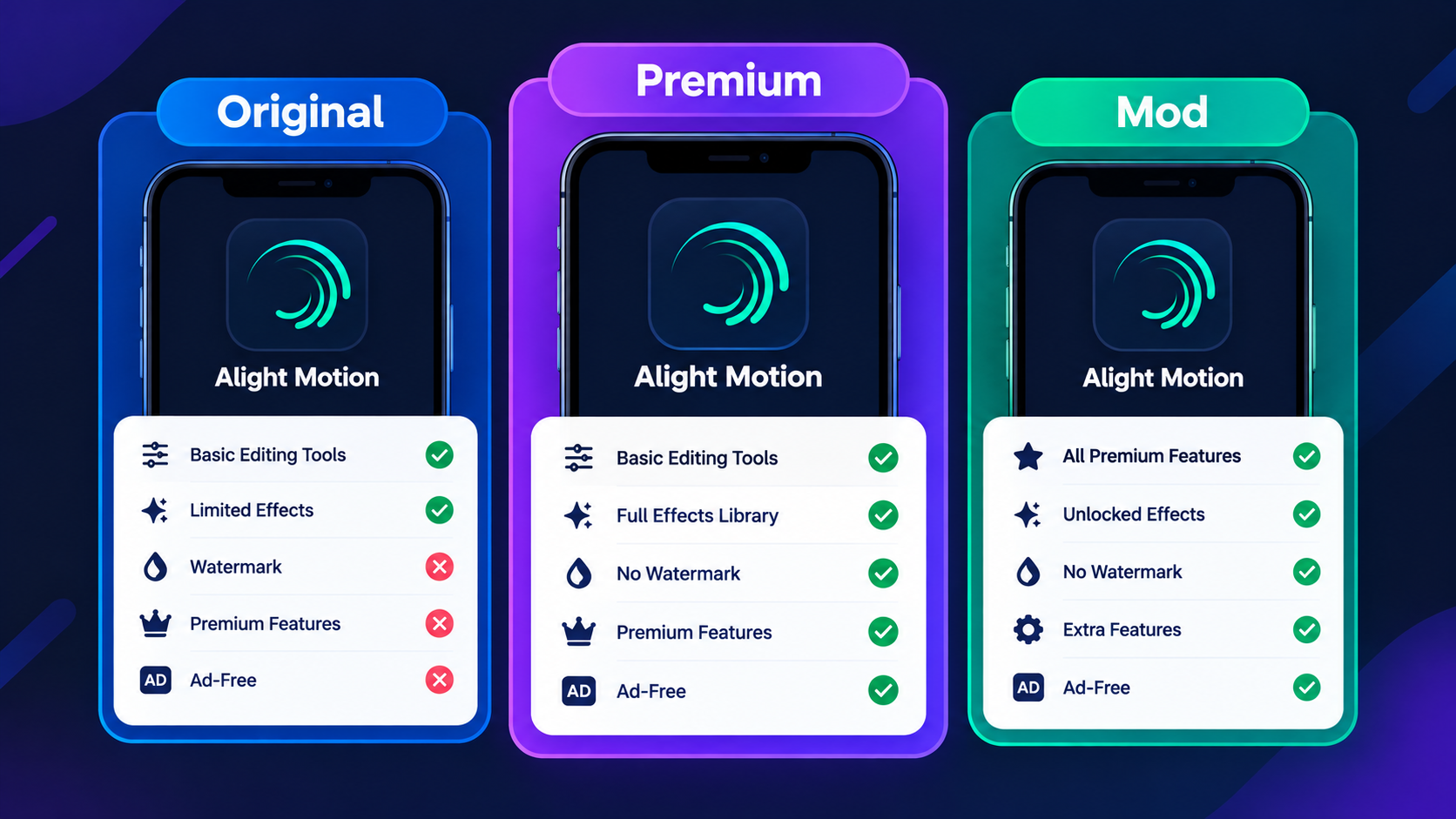
This table shows how the three versions are usually described. The mod column reflects what third-party sites claim, not something that has been confirmed.
| Point | Original (free) | Premium (paid) | Mod APK |
|---|---|---|---|
| Source | Official store | Official store | Third-party website |
| Basic editing | Yes | Yes | Claimed |
| Watermark | On exports | Removed | Claimed removed |
| Pro effects | Limited | Full access | Claimed unlocked |
| Official updates | Yes | Yes | No |
| Developer support | Yes | Yes | No |
| Security checked by developer | Yes | Yes | No, unknown |
| Cost | Free | Subscription | Free, with risk |
5. What does Alight Motion Mod APK mean?
A mod APK is an Android installation file that someone other than the developer has edited. Websites that offer it usually say it unlocks premium tools, removes the watermark or blocks ads. These are the publisher's claims, and the file does not become official just because the page says so.
Before you trust any file called "Pro APK" or "Premium Unlocked", keep in mind:
- It may not come from the original developer
- The advertised features may be incomplete or wrong
- It will not get official updates
- Its privacy and security practices are unknown
- It can cause crashes, install conflicts or project problems
6. Alight Motion without watermark
The free version adds a watermark to exported videos. According to the developer's help centre, the official way to remove it is to buy a membership, which also gives access to Pro features and effects. You can check the current plans like this:
- Open the official Alight Motion app
- Go to your account or profile area
- Open Membership Options
- Check the price, billing period and renewal terms
- Subscribe only if the plan suits how often you edit
Plans and prices differ by country and platform. You can read the developer's own steps on the Alight Motion watermark help page.
7. Presets, templates and XML files
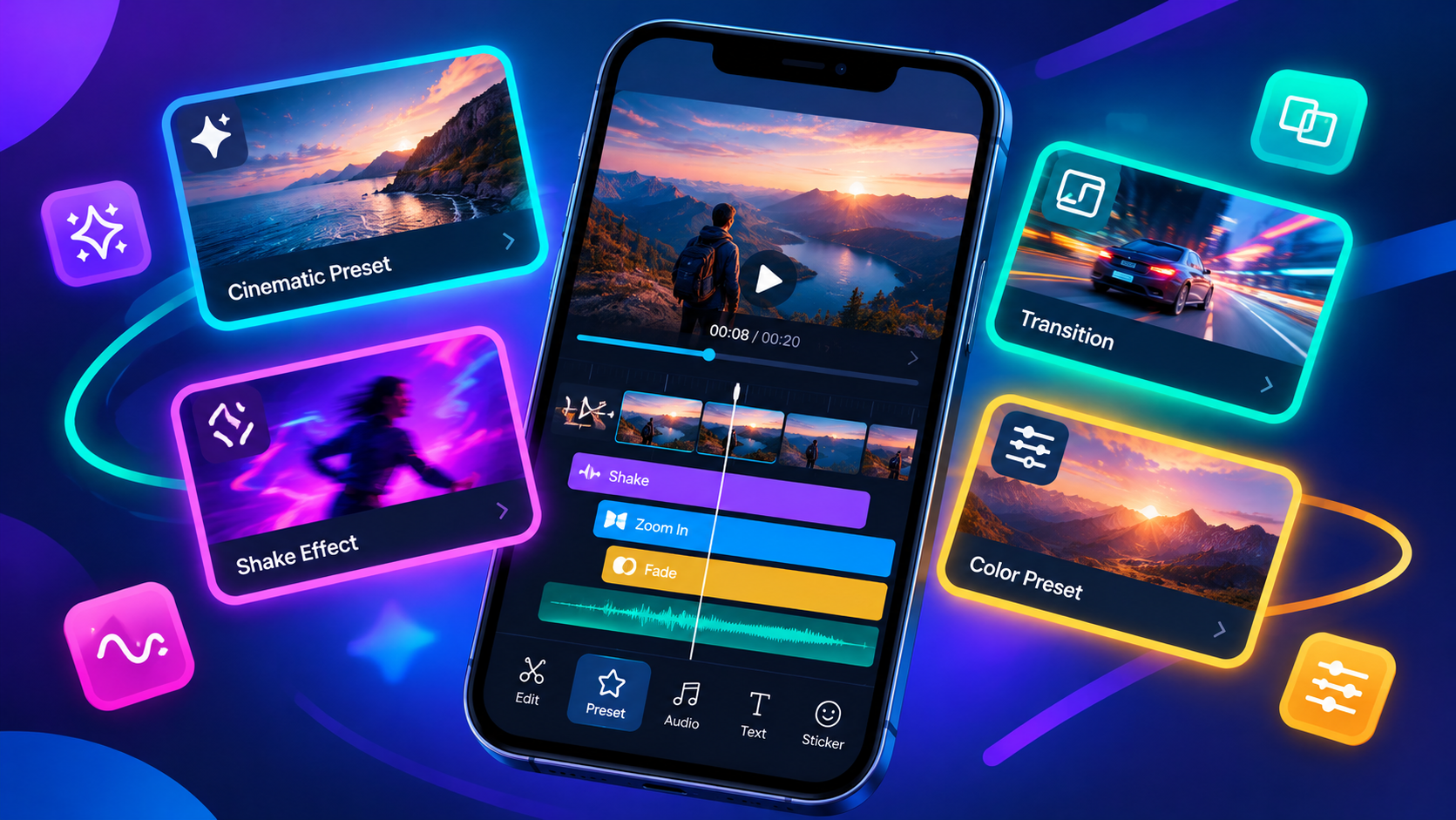
Presets are saved effect setups that help you copy a style without building every step yourself. They are common in tutorials for edits like these:
- Smooth shake and velocity edits
- Beat-synced transitions
- Animated typography
- Glow and colour grading looks
- Logo and intro animations
To get a better result from a preset:
- Check which app version the preset needs
- Read the creator's instructions before importing
- Work on a copy of your project first
- Check layer order, timing and effect settings after import
- Adjust it to your own footage, since clip length and frame rate change the result
Download presets only from creators you trust, and avoid files that ask you to install other unknown apps.
8. Is Alight Motion Mod APK safe?
Nobody can call every modded file safe or unsafe from its name alone. A third party has changed the package, and the developer has not reviewed it, so its security stays unverified. A clean result from one scanner does not prove a file is safe either, because each scanner catches different threats.
Possible problems include:
- Harmful code added to the package
- Access to files or device features the app does not need
- Unexpected ads or background activity
- Broken updates and poor compatibility
- Lost projects that are hard to recover
- Privacy risks if you edit personal or client material
If you still plan to install any APK from outside an official store, reduce the risk:
- Prefer the official listing whenever you can
- Check who published the file
- Look at the permissions and question anything unrelated to editing
- Keep Android and your security app updated
- Never enter passwords or account details in an untrusted app
- Back up important projects first
9. System requirements
Motion projects can be heavy, because several video layers, images and effects run at once. Google Play lists at least 1.5 GB of RAM, but that is a minimum, not a promise that big projects will run smoothly. Performance also depends on:
- Your Android version and phone hardware
- Free storage space
- Project resolution and frame rate
- Number of layers and effects
- Apps running in the background
10. Alight Motion for iPhone and PC
iPhone and iPad: an APK is an Android file and does not install on iOS. iPhone users should look for Alight Motion in the Apple App Store. Be careful with sites that offer a profile or a separate installer and call it an iPhone APK.
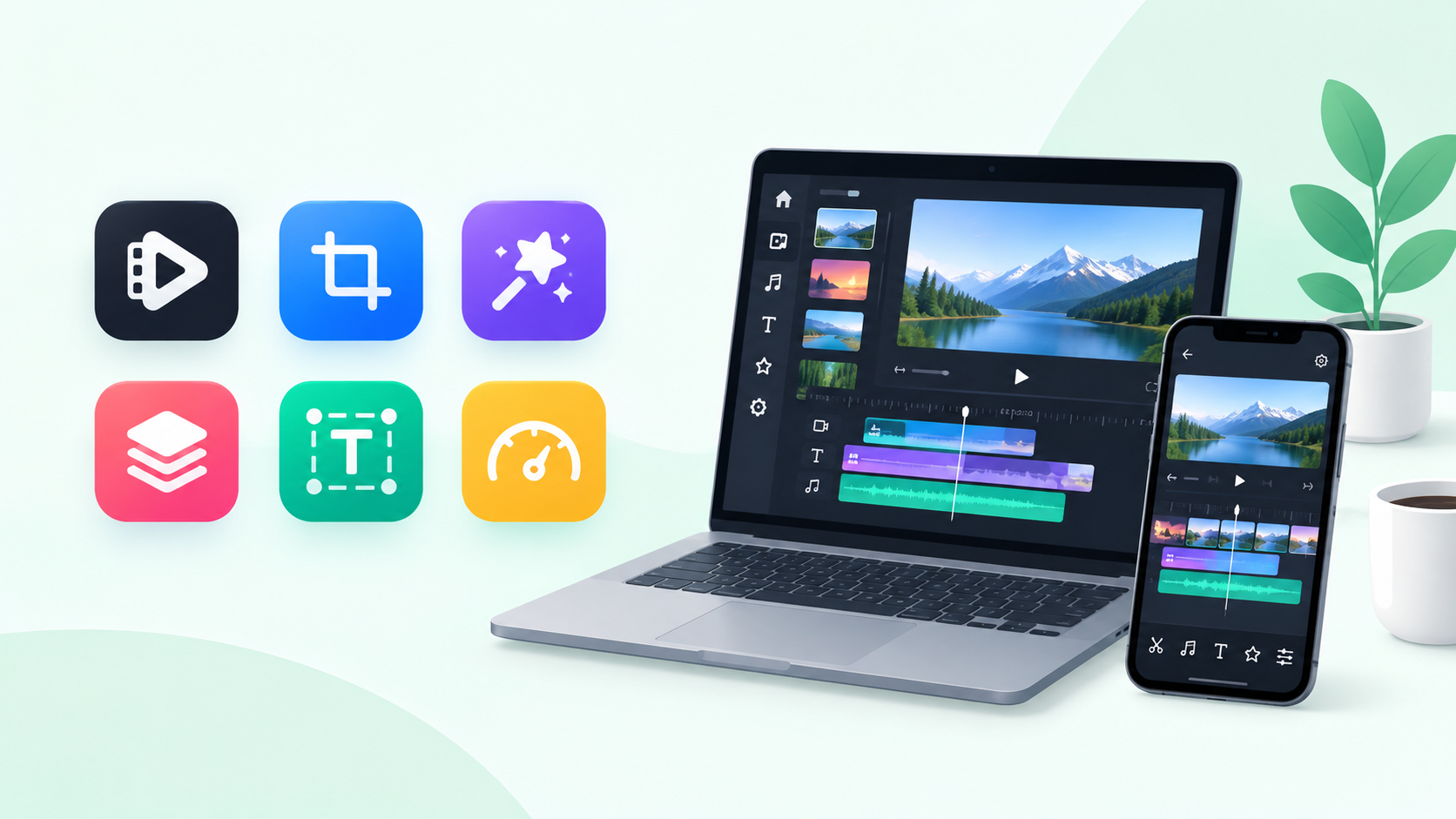
PC: Alight Motion is mainly a mobile app. Some people run it through an Android emulator, but performance is not guaranteed, and an emulator does not make an unofficial file safe. If you mostly edit on a computer, a desktop editor may suit you better.
11. How to install Alight Motion on Android
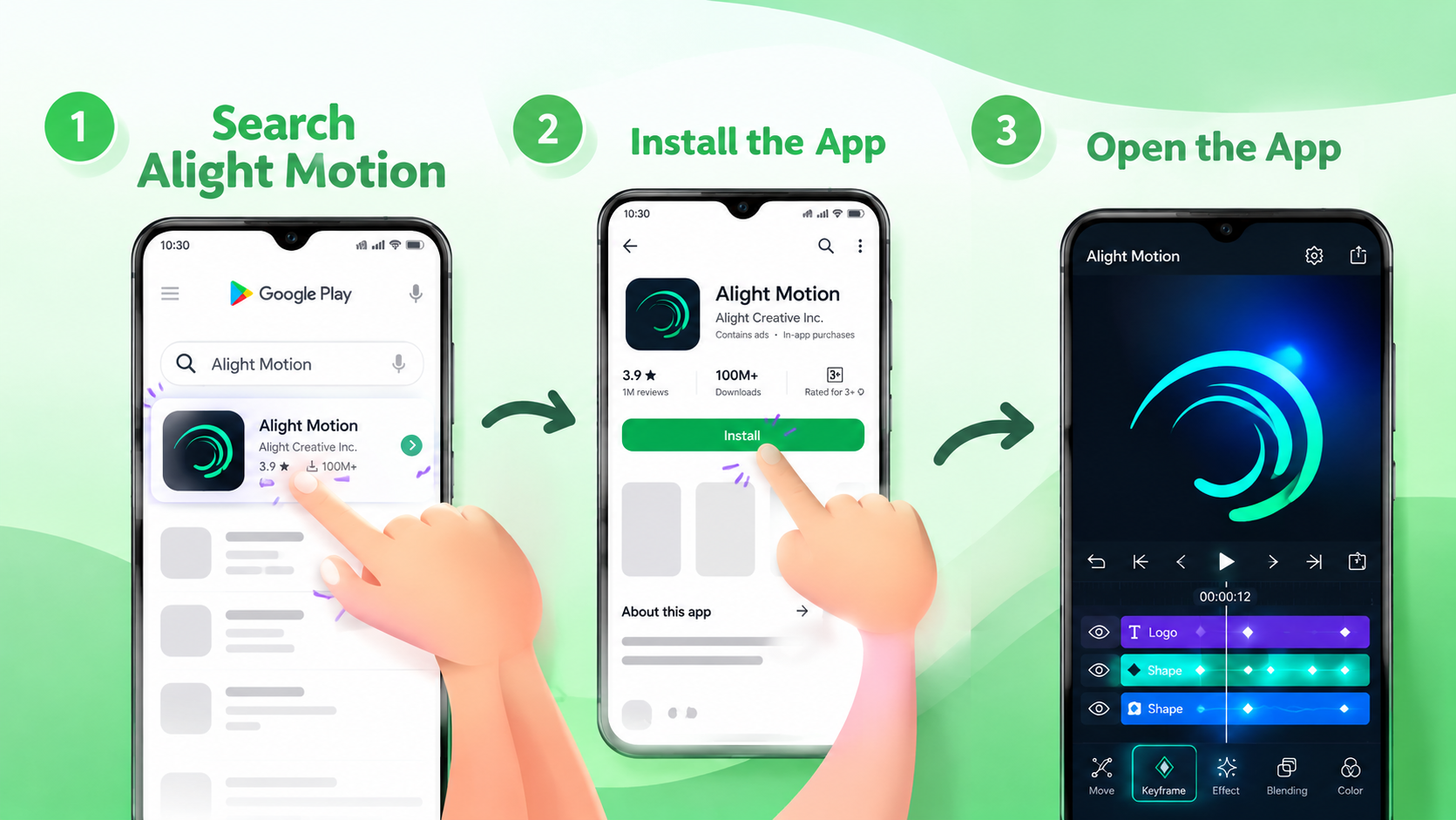
- Open Google Play on your Android phone
- Search for Alight Motion and check the developer name
- Look at the compatibility information and features
- Tap Install and wait for it to finish
- Open the app and review the permission requests
- Start with a small test project before a big edit
If the app does not show up in your country or is not compatible with your phone, check the developer's website or support pages for the latest availability.
12. Common problems and fixes
Alight Motion keeps crashing. Close other apps, restart your phone and check for an official update. Test with a simple project to see whether one effect is causing it. Back up projects before clearing app data or reinstalling.
Alight Motion is lagging. Reduce the number of active effects, free up storage, close background apps and test a shorter section. For long edits, split the work into smaller stages.
Export is failing. Check free storage and your export settings, then try a short test clip. If it keeps failing, use the official support pages before deleting any project data.
The video still has a watermark. The free version adds one. Check that your membership is active on the same account you are using.
A preset does not look like the tutorial. The original may use different footage, fonts, timing or settings. Compare the layer structure before changing individual values.
Imported projects are missing items. Projects can depend on media or fonts that are not on your device. Keep copies of source files and use the app's supported project transfer method.
13. Pros and cons
Pros
- Powerful keyframe animation on a phone
- Layer-based editing with video, images and audio
- Vector shapes that stay sharp
- Many effects, masks and camera tools
- Exports to MP4, GIF and PNG sequence
- Free version to learn the basics
Cons
- Free exports carry a watermark
- Learning curve for beginners
- Heavy projects need a capable phone
- Best features need a paid plan
14. Alight Motion vs other video editing apps
The right editor depends on whether you want motion graphics, quick social videos or full desktop editing. This is a general overview, so check current features and prices with each developer.
| App | Good for |
|---|---|
| Alight Motion | Layer-based mobile animation and motion graphics |
| CapCut | Social video editing and short clips |
| VN Video Editor | Simple mobile video editing |
| InShot | Everyday video and photo editing |
| KineMaster | Layer-based mobile video projects |
| Adobe After Effects | Desktop motion graphics and visual effects |
15. Frequently asked questions
What is Alight Motion Mod APK?
It is a common name for a third-party edited version of the Android app. The name alone does not tell you what the file really does or whether it is safe.
Is Alight Motion free?
The official app is free for basic editing, with a watermark. Paid membership removes it and adds Pro features and effects.
Can I use Alight Motion without a watermark?
The developer's documented method is a subscription. Check the current membership offers inside the official app.
Does the mod APK unlock all premium features?
Some websites say so, but those claims are not independently verified, and a modded file is not an official subscription.
Is Alight Motion Mod APK safe to install?
It depends on the exact file and how it was changed. Do not trust a page just because it says verified or virus-free.
Does Alight Motion support keyframe animation?
Yes, you can animate properties like position, scale, rotation and opacity over time.
Can it export MP4 and GIF?
Yes, the official listing mentions MP4, GIF, PNG sequence and still images. Options can vary by version and project settings.
Can I install an APK on an iPhone?
No. APK is an Android format. iPhone users should use the official App Store.
Why does Alight Motion lag on my phone?
Memory, storage, project size and the number of layers and effects all matter. Try a smaller project and close other apps.
Where should I get the official app?
Start with the official Google Play listing. iPhone users should check the Apple App Store.
16. Final verdict
Alight Motion gives you a strong set of mobile tools for keyframe animation, layered editing, vector graphics and effects. The free version is a good place to learn, and a paid membership adds watermark removal and premium features.
If you are looking at Alight Motion Mod APK, Premium Unlocked or No Watermark files, separate the claims from what has actually been verified. An unofficial file may promise a lot, but its safety, stability and compatibility should never be taken for granted. Start with the official app, test it with a small project, and back up your work regularly.
Advertisement spaceArticle Inline