Guide
Remini is one of the most popular AI photo enhancers in the world. It takes blurry, grainy, or old photos and turns them into sharp, high-definition pictures in a few seconds. Because the full Pro plan is paid, thousands of people search every month for Remini Pro Mod APK, Remini premium mod APK, or Remini mod APK premium unlocked.
In this guide we explain what these modded versions claim to offer, what the real risks are, and how you can get great results from Remini without putting your phone or your photos in danger. If you only want the app itself, you can read our Remini APK review first.
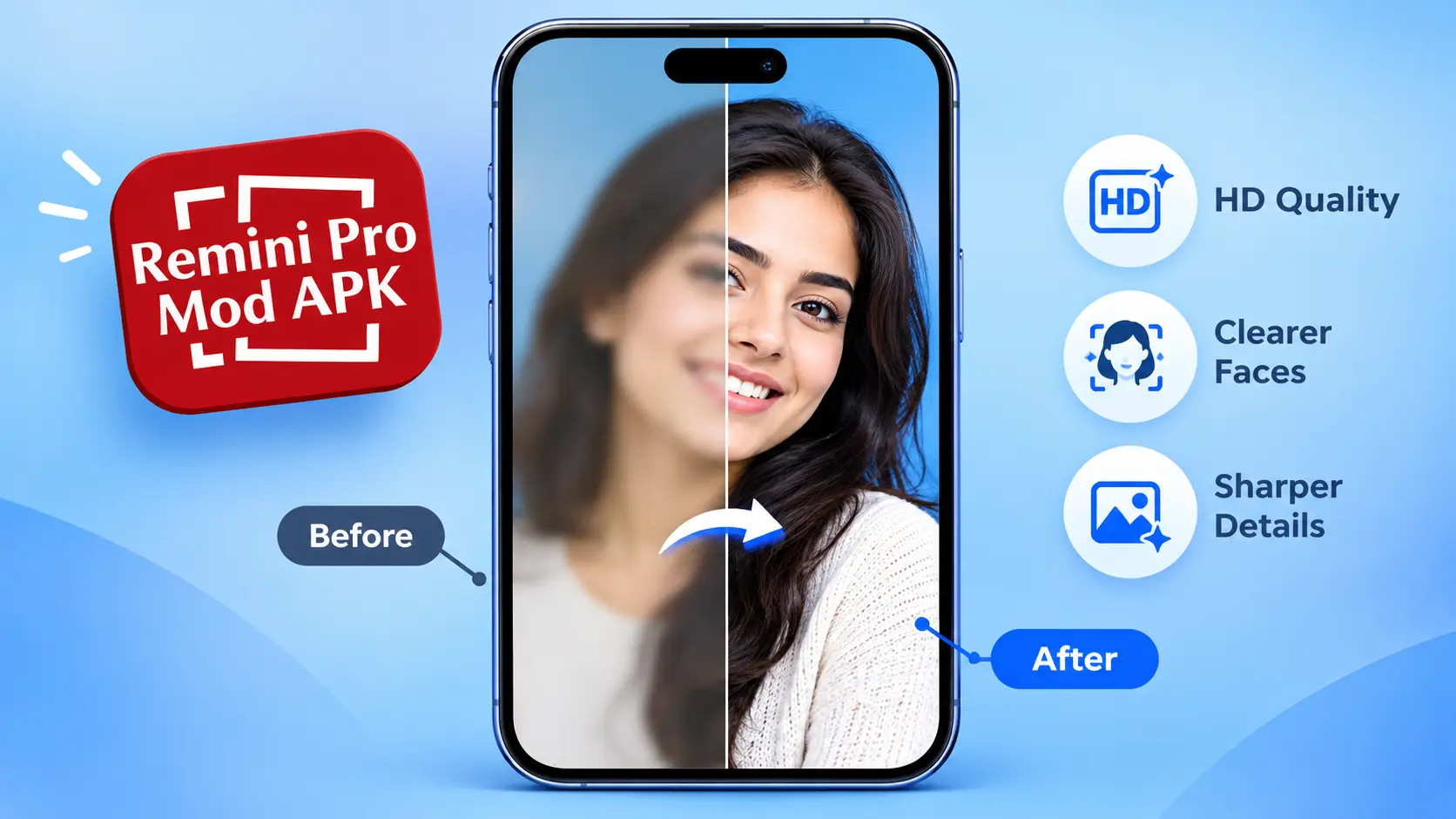
1. What is Remini?
Remini is an AI-powered photo and video enhancer. It uses machine learning to rebuild lost detail in faces, sharpen edges, remove noise, and restore colour. People use it for several everyday jobs:
- Fixing blurry selfies and group photos
- Restoring old family pictures
- Upgrading low-resolution images to HD
- Enhancing short video clips
The heavy processing happens on Remini's cloud servers, not on your phone. This matters because it explains why modded versions often do not work the way websites promise.

2. What is Remini Pro Mod APK?
A "mod APK" is an unofficial, edited copy of an app's installation file. People who share Remini mod files usually claim that it:
- Unlocks Pro features for free
- Gives unlimited "Pro cards" or enhancements
- Removes ads and watermarks
- Allows HD export without a subscription
You will see names like Remini Pro Mod APK full unlocked, Remini Pro Mod APK unlimited Pro cards, and Remini app mod APK. They all mean the same thing: an unofficial version that is not published by Remini's developer and is not available on Google Play or the App Store.
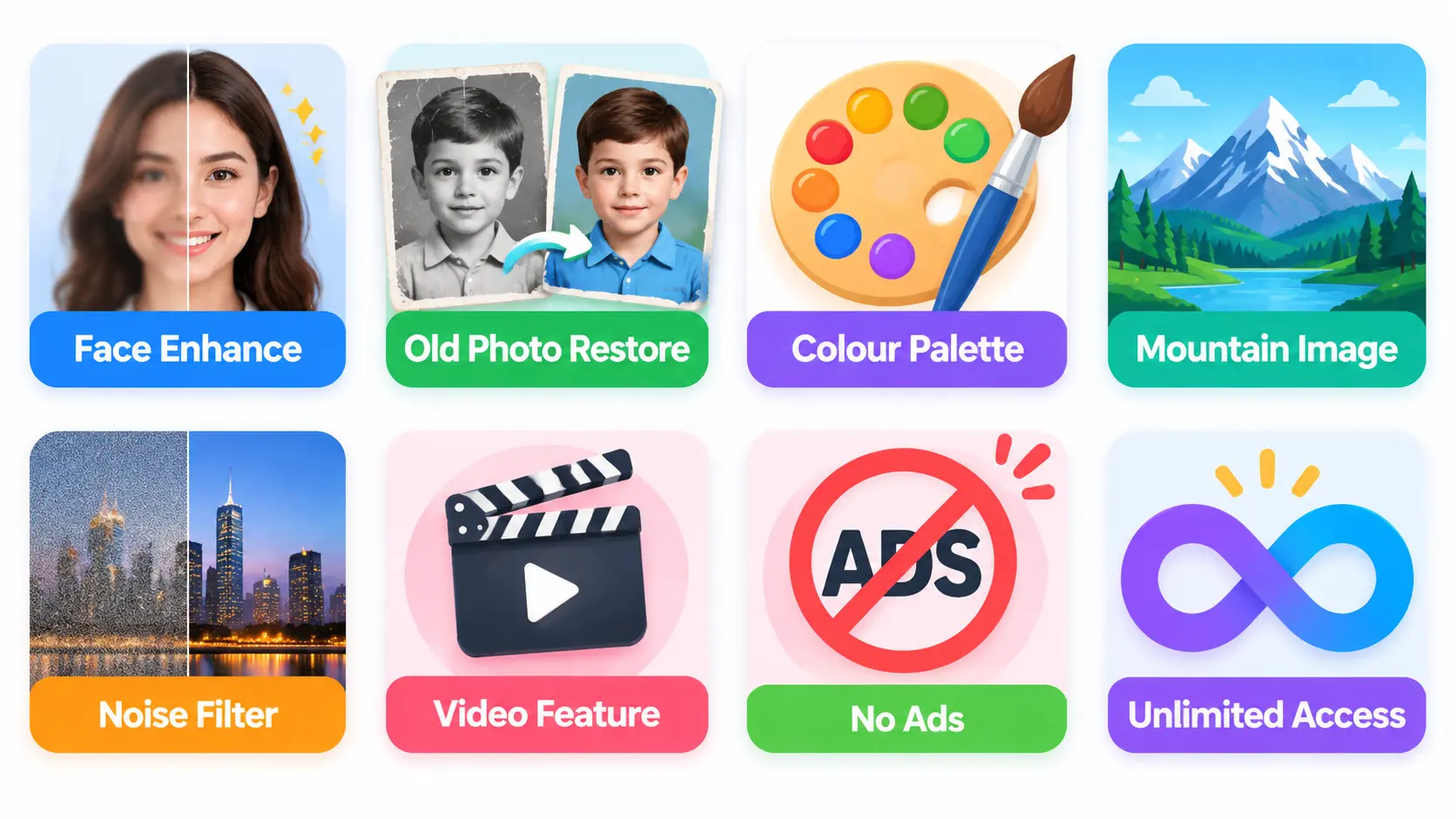
3. Official Remini Pro features
Here is what the official Pro plan gives you, and why so many people want it:
| Feature | What it does |
|---|---|
| Face enhancement | Sharpens eyes, skin, and hair detail |
| Old photo restoration | Removes scratches, fold marks, and fading |
| Colourize black and white | Adds realistic colour to old photos |
| Background enhancer | Improves scenery, not just faces |
| Noise reduction | Cleans grain from low-light photos |
| Video enhancer | Upgrades low-quality clips |
| No ads, no watermark | Clean exports in high resolution |
4. Remini premium mod APK: claims vs reality
| What websites claim | What usually happens |
|---|---|
| Unlimited Pro cards forever | Processing is done on Remini's servers, so the app often fails or hits limits anyway |
| Premium unlocked, no login | Many files crash, freeze, or ask for a login |
| 100% safe | Nobody can guarantee this for an unofficial file |
| Free for life | The file may stop working after the next server update |
Real risks of using a mod APK:
- Malware and spyware: modified APKs can hide trackers, adware, or code that reads your data
- Privacy: you upload personal photos, often faces of family members, to an unknown app
- Device safety: installing from "Unknown Sources" lowers your phone's protection
- No updates or support: mod files break when the original app updates
- Terms of service: using a cracked version breaks the app's rules and the developer's rights

5. Safe ways to use Remini for free
You do not need a modded file to get good results. Try these options first:
- Install the official app from the Google Play Store or Apple App Store only (see our Remini mod download page for the official links)
- Use the free daily enhancements that the free plan includes
- Watch the in-app ad option, when available, to unlock extra enhancements
- Try the free trial if one is offered in your region
- Take a weekly plan only when you need it, for example to restore a batch of old photos, then cancel
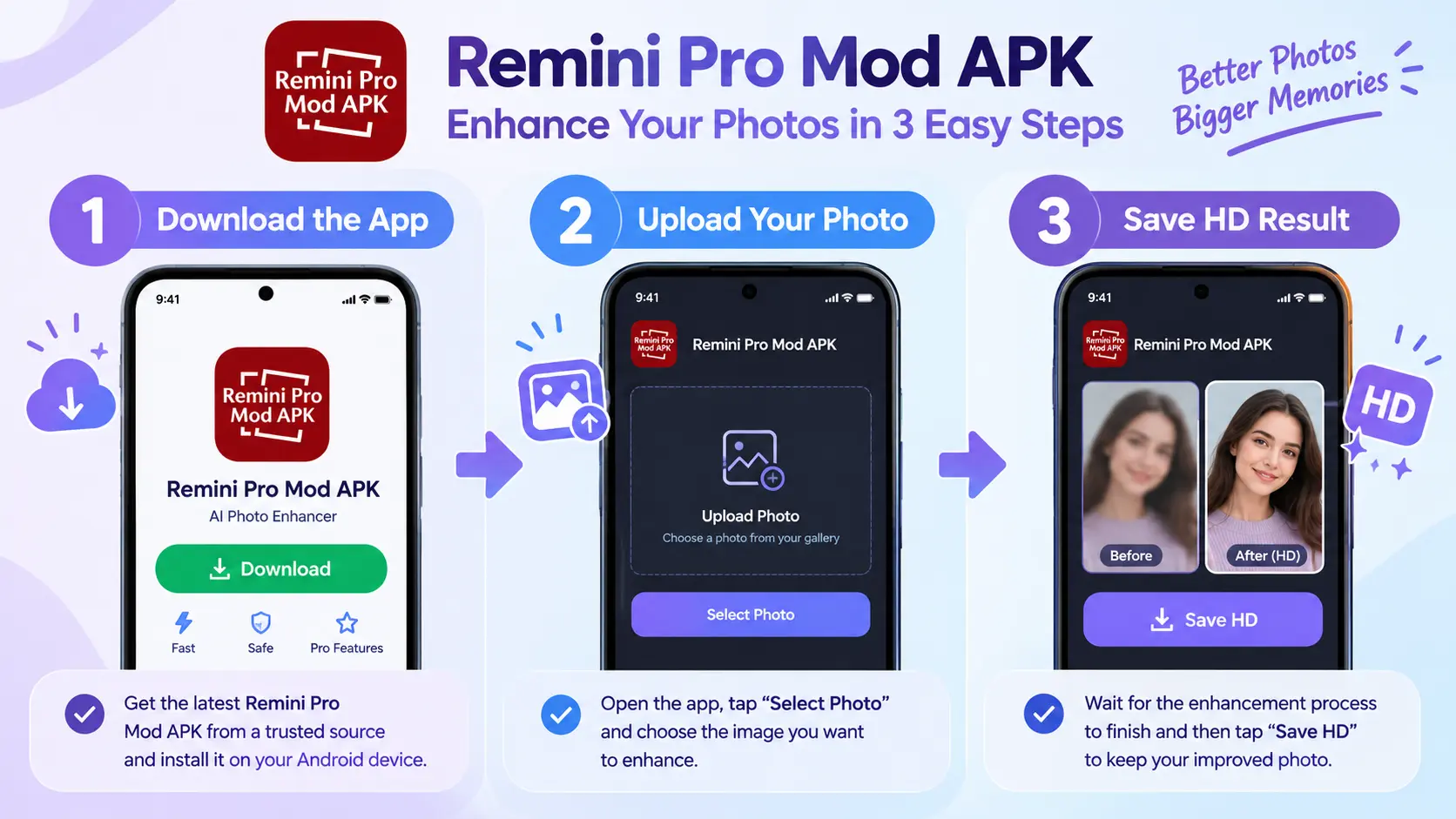
6. How to enhance a photo in Remini
- Open the Remini app and tap Enhance
- Select the blurry or old photo from your gallery
- Wait a few seconds while the AI works
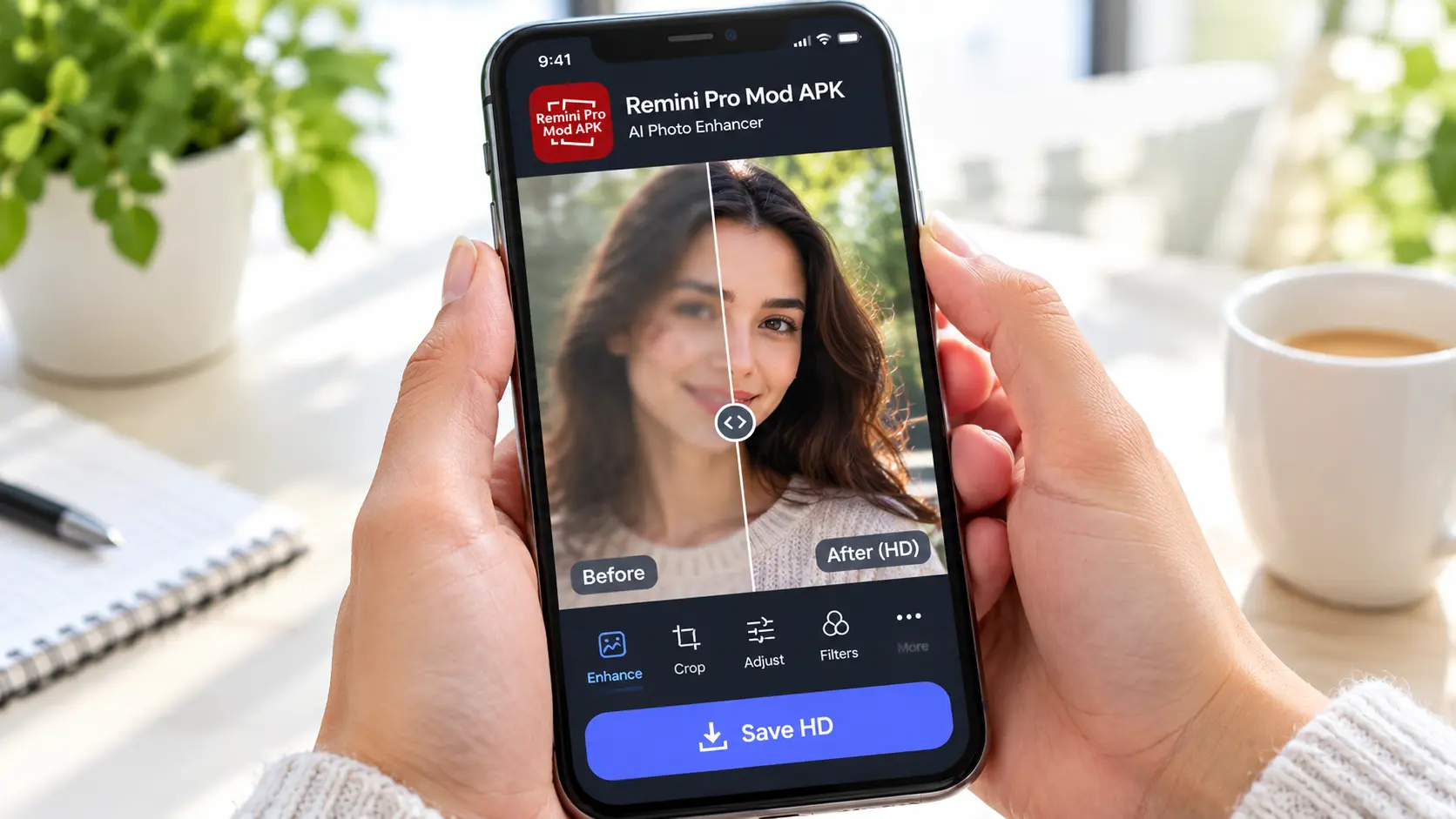
- Drag the slider to compare before and after
- Save the result to your gallery or share it
Tip: start with the highest-quality scan or original file you have. A better input gives a better enhanced result.
7. Photo saaf karna: blurry photo ko HD kaise banayein
Bohat se log photo saaf karna search karte hain, yaani blurry photo ko saaf aur clear karna. Yeh tips follow karein:
- Remini ya koi aur AI enhancer use karein jo face detail sharp karta ho
- Photo ko pehle crop karein taake chehra frame mein bara ho
- Dark photo ki brightness thori barhayein, phir enhance karein
- Bohat zyada enhance na karein, warna chehra nakli lagta hai
8. Redmi photo and Realme photo: improve phone camera pictures
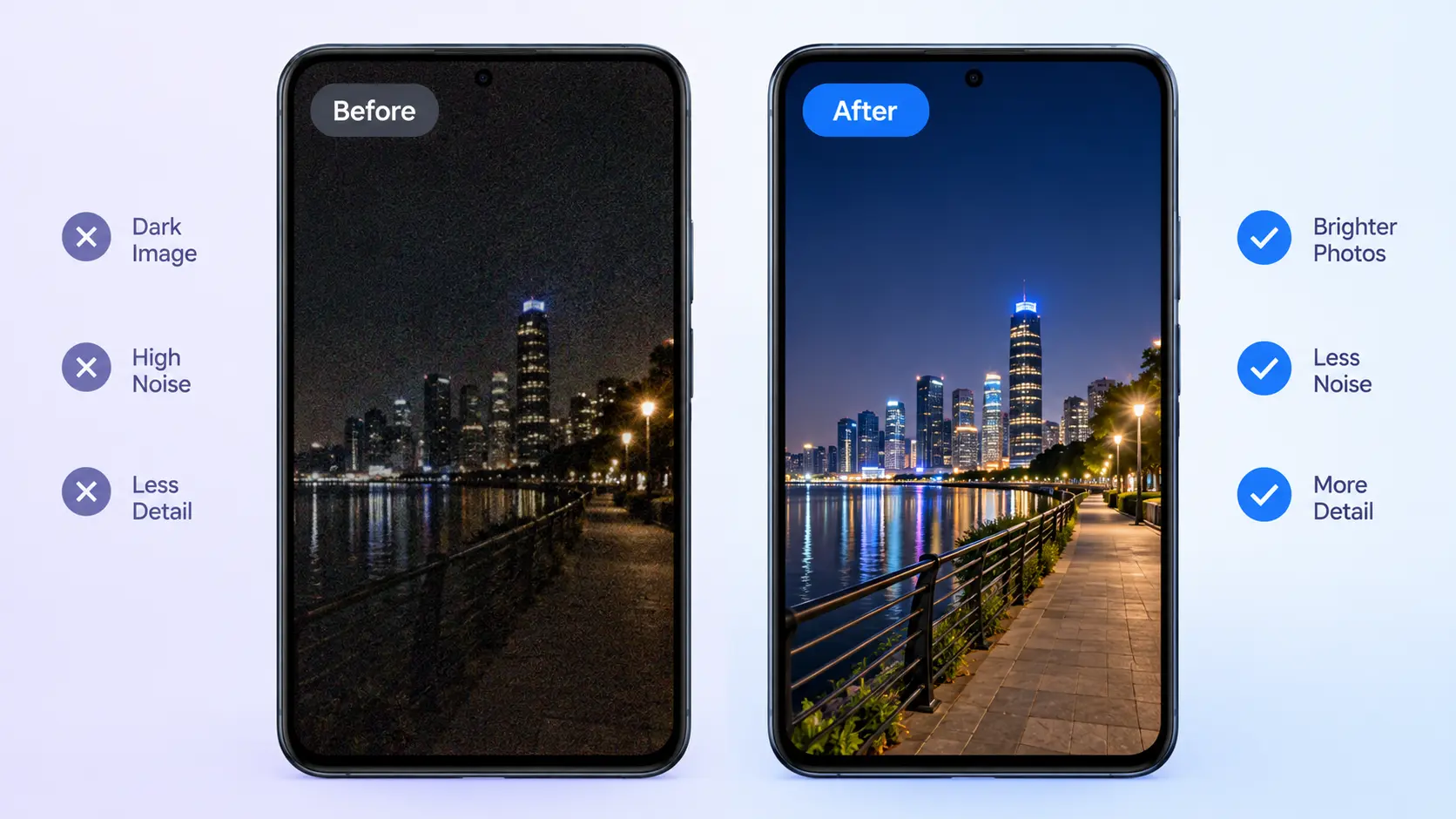
Many people with Redmi and Realme phones search for Redmi photo and Realme photo fixes, because budget phone cameras can produce soft or noisy images in low light. You can improve them in three simple steps:
- Clean your camera lens before shooting
- Use night mode in dim places
- Run the final photo through an AI enhancer like Remini to recover detail
9. Gemini AI photo enhancer vs Remini
Google's Gemini can also help edit and improve images, and many people compare it with Remini. Here is a quick look:
| Point | Remini | Gemini AI |
|---|---|---|
| Best for | Face restoration, old photos | General and creative edits |
| Ease of use | One tap | Prompt based |
| Specialty | Sharpening and HD upscaling | Flexible image editing |
For fast face and old-photo restoration, Remini is simpler. For creative edits, Gemini is worth trying.
10. Other free alternatives to Remini
- Google Photos: basic enhance and unblur tools
- Fotor: free tier with AI enhancement
- Picsart: editing plus AI tools
- Upscayl: free open-source upscaler for PC
- YouCam Enhance: portrait-focused enhancement
11. Frequently asked questions
Is Remini Pro Mod APK safe?
There is no way to guarantee that. Unofficial files can contain malware or steal data. Official app stores are the safe option.
Does Remini premium mod APK really give unlimited Pro cards?
Often not. Because processing happens on Remini's servers, modded files frequently fail or are limited anyway.
Can I use Remini for free?
Yes. The official free version gives a limited number of enhancements per day.
Is Remini available on iPhone?
Yes, on the App Store, as well as on Android and the web.
Why do people search "rimini" or "reimi"?
These are common misspellings of Remini. The correct name is Remini.
What is the best way to restore old photos?
Scan the photo in good light, upload it to Remini, compare before and after, and save in the highest resolution.
12. Conclusion
Remini is a powerful AI photo enhancer, and it is easy to see why so many people look for Remini Pro Mod APK or Remini mod APK premium unlocked. But modded files come with real risks to your phone, your privacy, and your photos, and their promises of unlimited free access are often untrue.
The smarter choice is to use the official free version, upgrade only when you truly need Pro, and try the free alternatives listed above. That way you get sharp, beautiful photos safely. Ready to try it? Head to our Remini mod download page, or read the full Remini APK review for more details.

Advertisement spaceArticle Inline