Guide
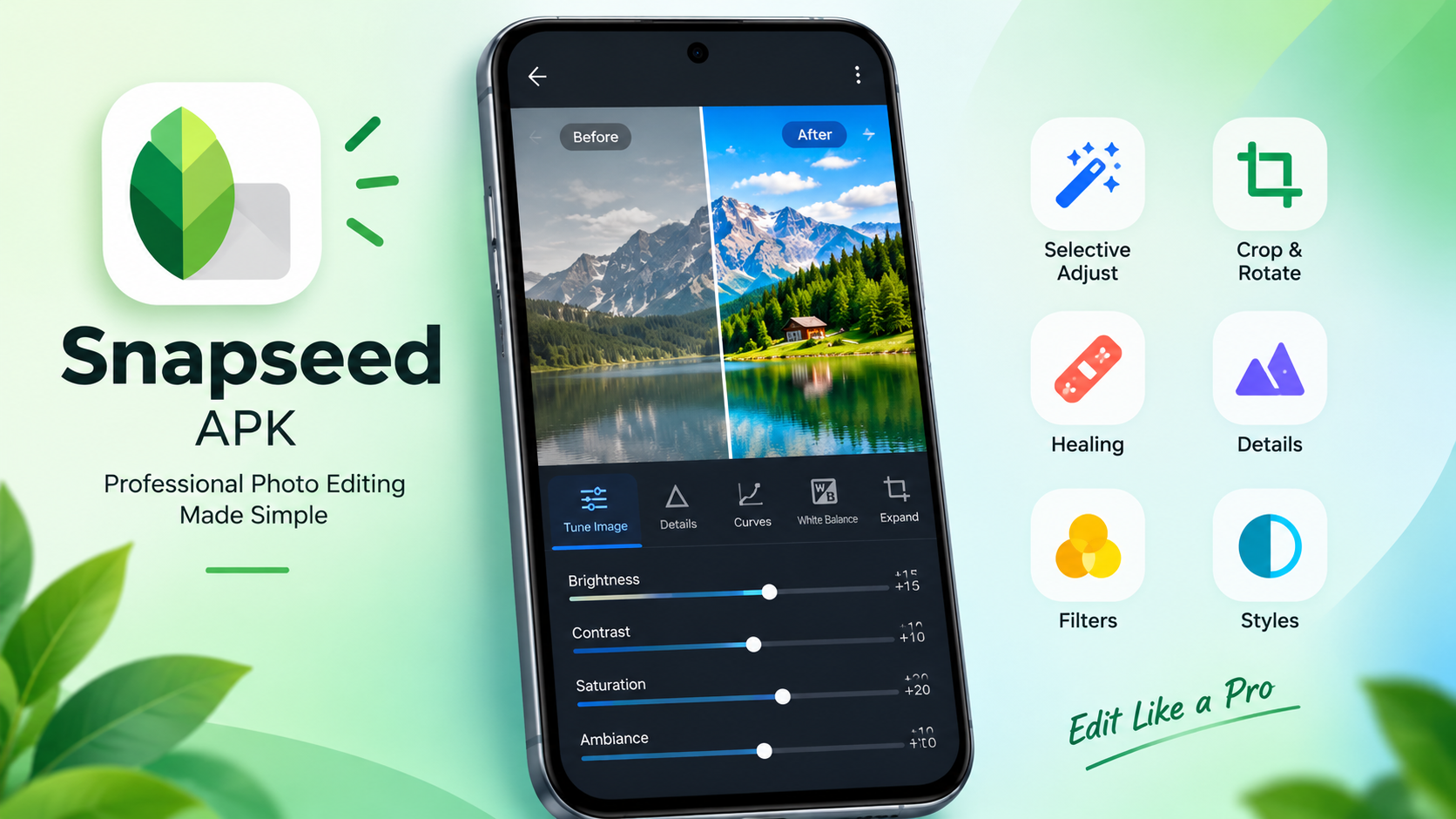
Snapseed is a photo editor made by Google. It gives you much more control than a one-tap filter app: you can adjust light and colour, edit only one part of a picture, remove small distractions, edit RAW files and add film-style looks. Many people search for Snapseed APK, Snapseed Mod APK or Snapseed Pro APK, so this guide explains what the app really includes, how to download it safely and how to get good results from it.
One thing worth knowing early: the official Snapseed app is listed as free, and Google's listing describes it as having no subscriptions, no in-app purchases, no ads and no watermarks. That is why a "mod" version usually has nothing to unlock, and why the official app is the best place to start.
1. What is Snapseed?
Snapseed is a mobile photo editor for people who want more control over their pictures. Instead of putting one effect over the whole image, you can change individual parts of a photo, fix specific areas and combine several tools to build a consistent final look.
Google's official listing describes it as a professional photo editor with more than 30 tools and filters. It suits everyday photos, portraits, travel pictures, product shots, social media posts and any image that needs careful exposure or colour correction.
2. Snapseed app information
| Detail | Info |
|---|---|
| App name | Snapseed |
| Developer | Google LLC |
| Category | Photography |
| Platforms | Android, iPhone and iPad |
| Price | Free, according to the official store listings |
| Package ID | com.niksoftware.snapseed |
| Official Android source | Google Play Store |
| Official iOS source | Apple App Store |
| Version, size, compatibility | Changes by device and release, check the store page |
Availability, version numbers and file size can differ by device and region, so check the store listing for the latest details for your phone.
3. Key features of Snapseed
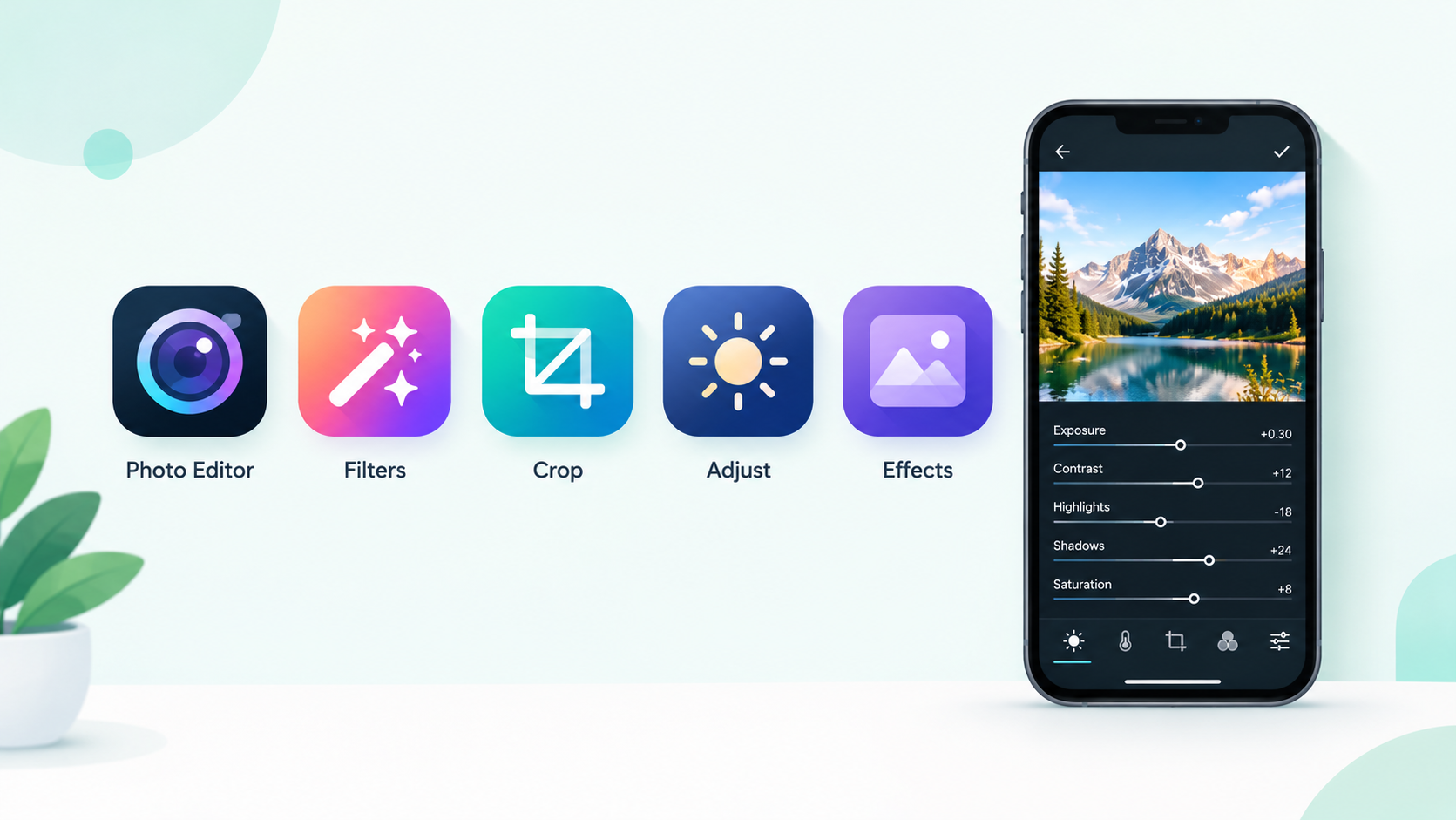
Precise photo adjustments. The Tune Image tool controls brightness, contrast, saturation, ambience, highlights and shadows. It is the quickest fix for a picture that looks flat, too dark or different from the real scene. Make small moves and check the result at full size, because pushing every slider makes a photo look artificial.
Selective editing. Change one area without touching the rest. You can brighten a face while keeping a bright sky under control, or add detail to a foreground object without changing the background.
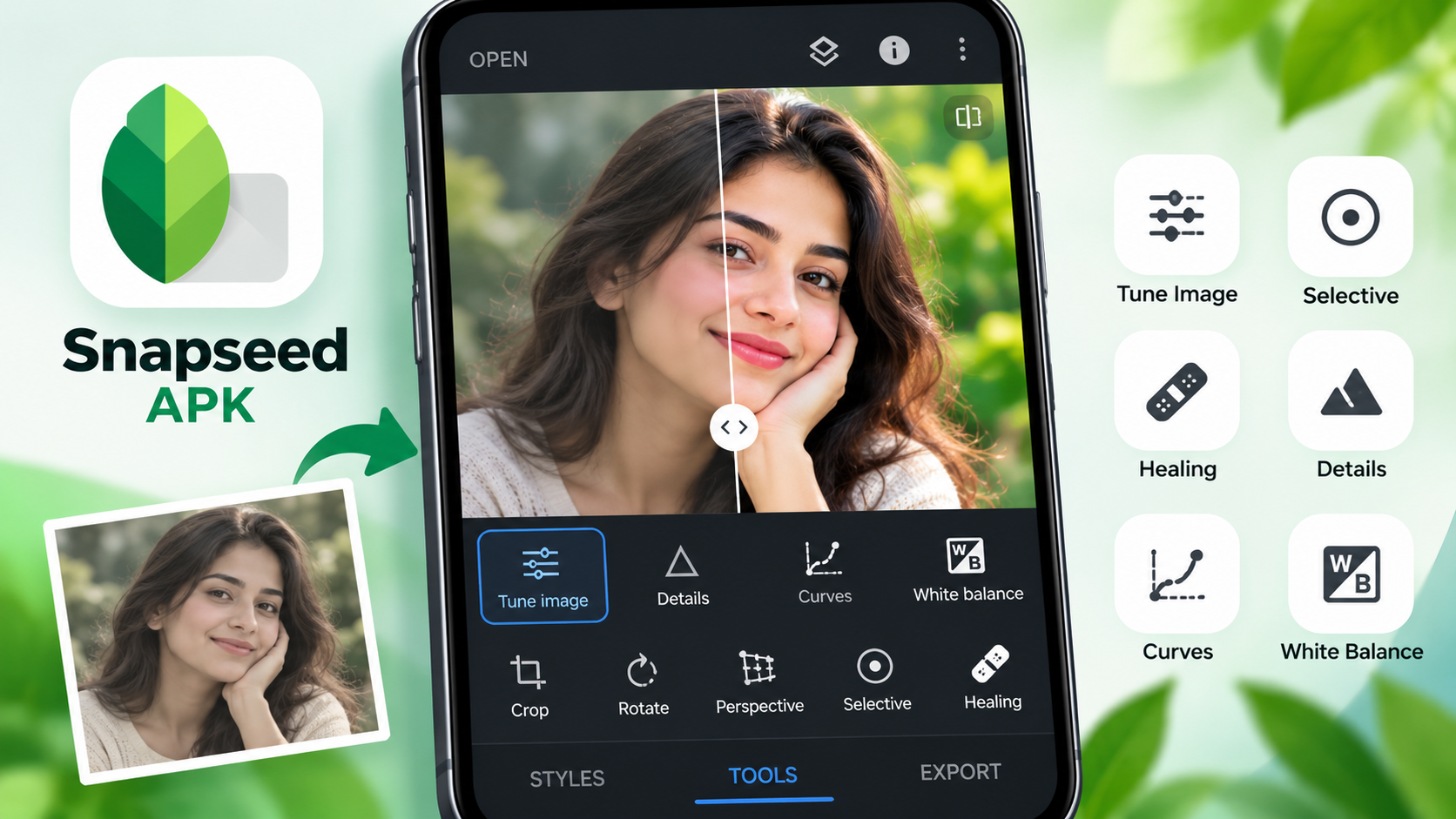
Healing tool. Remove small distractions like a mark on a wall or a stray object on a simple background. Large objects and busy textures can leave visible traces, so inspect the result before exporting.
Curves and colour control. Curves give finer control over shadows, midtones and highlights than a brightness slider, so you can create a softer, higher-contrast or more cinematic look. Strong saturation and contrast can hide detail in skin and skies, so use them carefully.
RAW editing. Snapseed can open compatible RAW files, which gives you more room to adjust exposure, white balance and detail. Support depends on the camera and file format, so test your own files first.
Film-style filters and creative effects. Grain, Black and White, Glamour Glow and other styles add a vintage, soft or film-like mood. For a consistent social feed, pick a few styles and use them thoughtfully instead of a new strong filter on every image.
Perspective and detail. Perspective correction straightens buildings and other subjects affected by camera angle. Detail controls bring out texture, though too much sharpening adds noise and halos.
Non-destructive workflow. You can review and undo many edits, compare changes and return to an earlier step. Even so, keep an untouched copy of important originals.
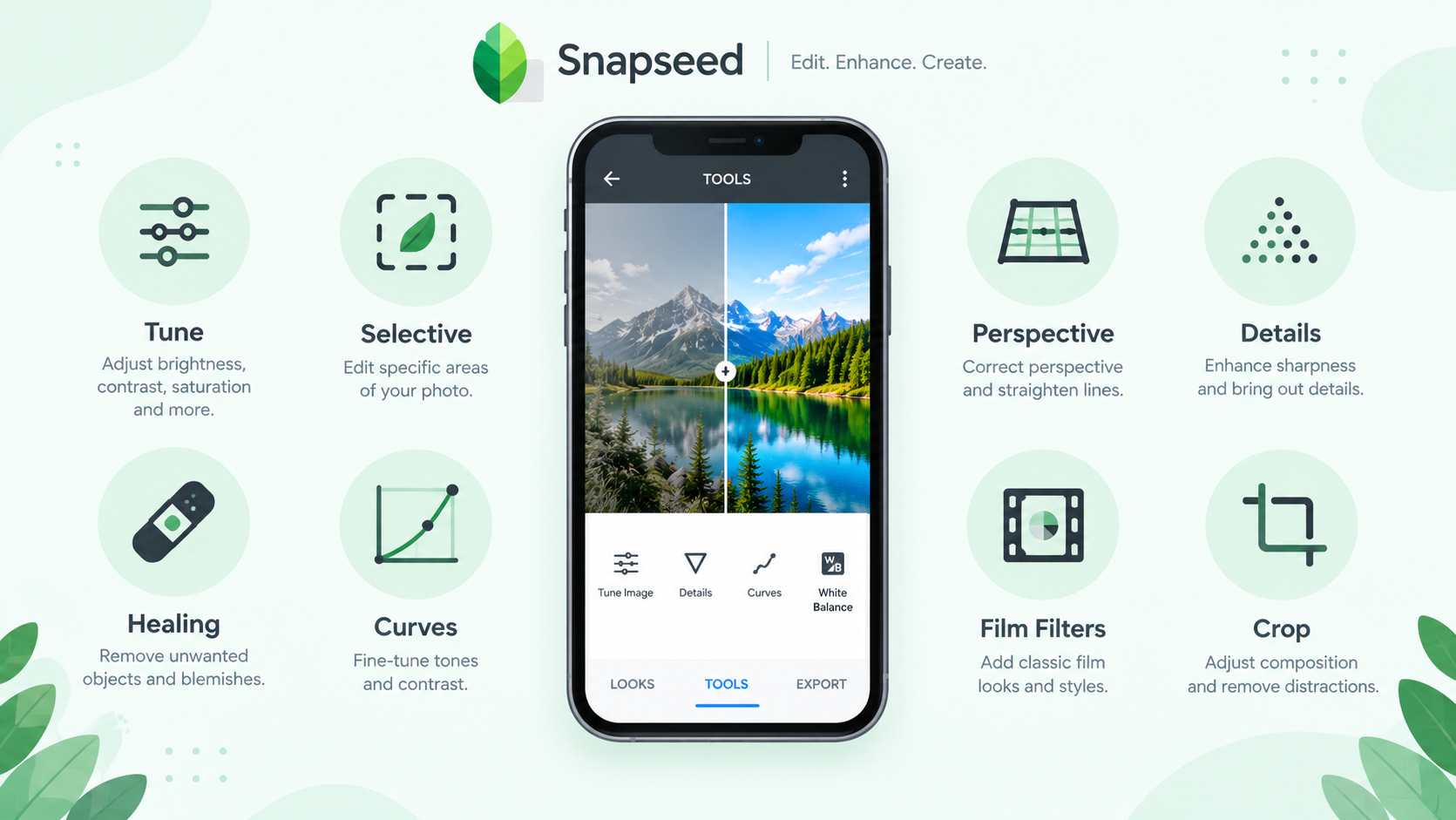
4. Best Snapseed tools and what they do
| Tool | Best used for |
|---|---|
| Tune Image | Basic light and colour correction |
| Selective | Brightening or adjusting a chosen area |
| Healing | Removing small spots and distractions |
| Curves | Fine control of contrast and tone |
| Perspective | Straightening buildings and tilted lines |
| Details | Sharpening and bringing out structure |
| Film and black and white filters | Mood, vintage looks and monochrome styles |
| Crop and Rotate | Framing and straightening the photo |
5. How to edit a photo in Snapseed
A steady order works better than random filters. Here is a simple routine:
- Open your photo. Use the highest-quality original you have, especially if you plan to crop
- Fix exposure and white balance. Recover highlight detail, lift shadows only as needed and correct any yellow, blue or green cast first
- Improve contrast and detail. Add definition, but use sharpening lightly to avoid unnatural skin and noise
- Make local adjustments. Brighten the subject or darken a distracting background, then check that the edges blend naturally
- Add a creative look. Try a film filter, black and white or subtle grain, and lower its strength if it overpowers the colours
- Review and export. Compare with the original, check skin tones, shadows, bright areas and straight lines, then save
6. Looks and saved styles
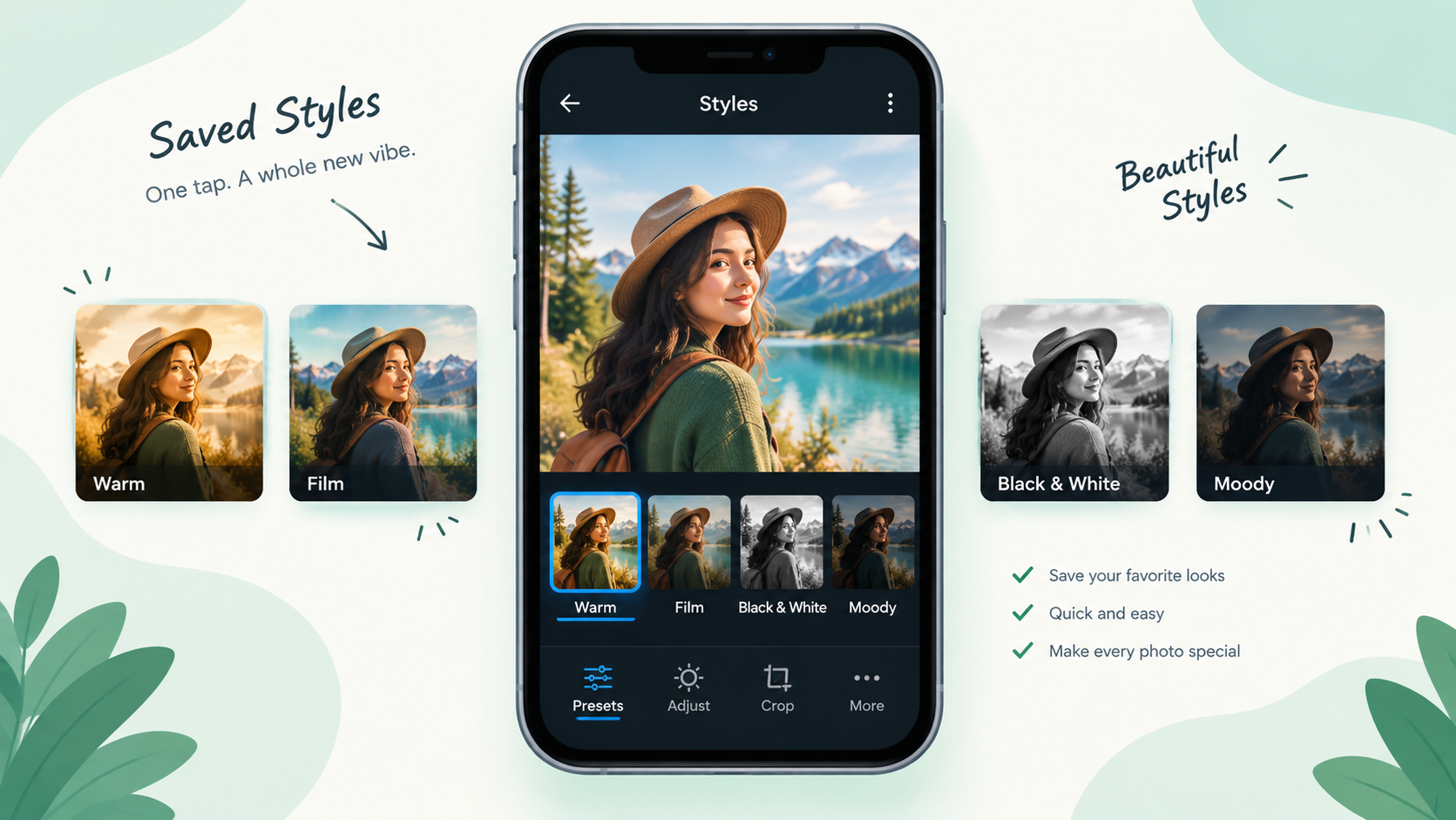
Snapseed lets you save a set of edits as a style so you can reuse it on other photos. This works like a preset and helps keep the same look across a group of pictures. Treat a saved style as a starting point: a style made for a bright outdoor photo may not suit a dark indoor one, so adjust exposure and white balance after you apply it.
If you download styles or edit settings from other creators, check that the source is trustworthy and that the licence allows your use.
7. Official Snapseed vs Snapseed Mod APK
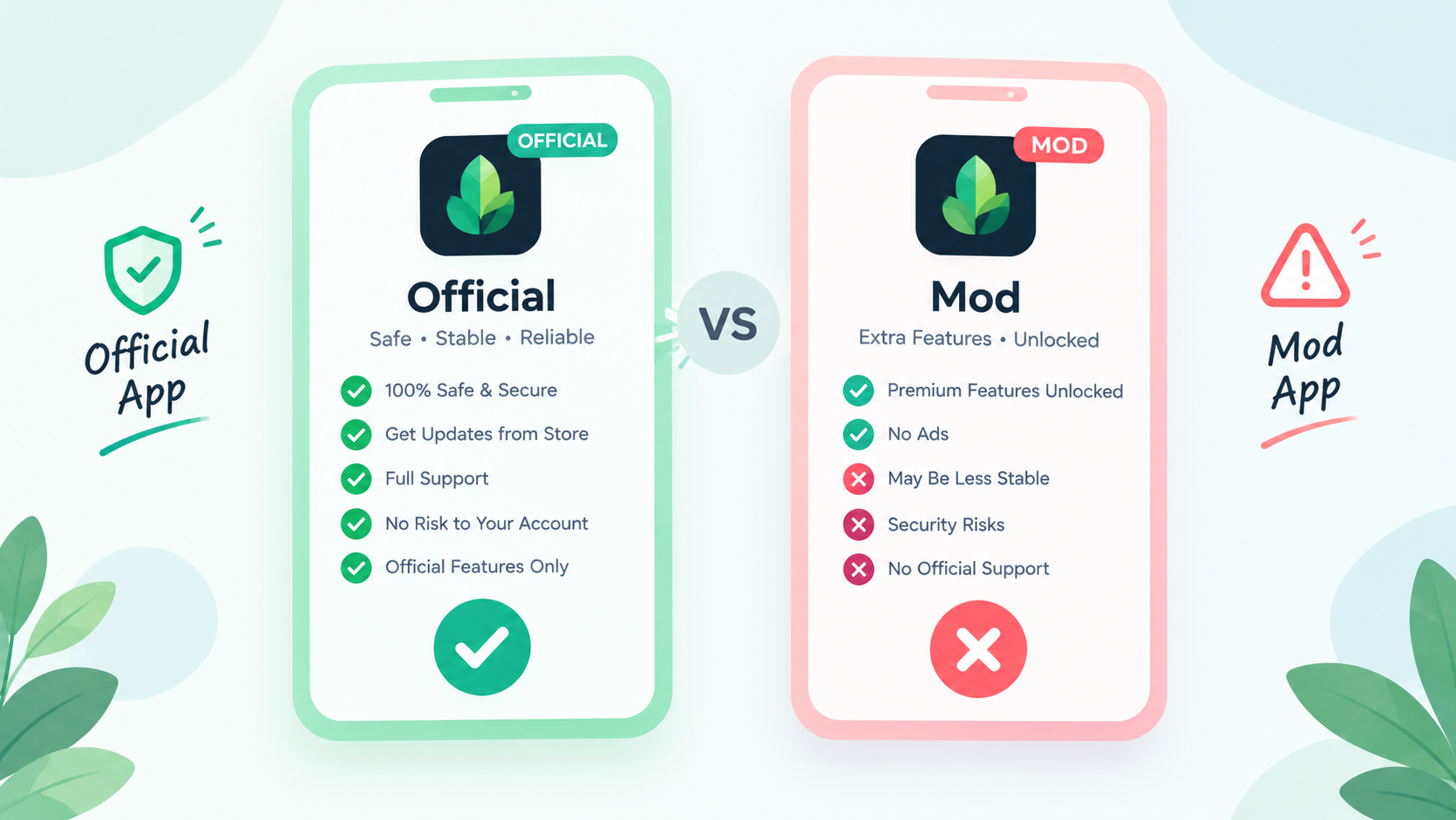
Since the official app is free and has no watermark, there is very little a mod file could add. The table below shows what that means in practice. The mod column describes how third-party files are usually presented, not something confirmed.
| Point | Official app | Mod APK |
|---|---|---|
| Source | Google Play or App Store | Third-party website |
| Price | Free | Free |
| Watermark and ads | None, per the store listing | Nothing extra to remove |
| Extra features | All tools included | Claims need checking |
| Official updates | Yes | Not guaranteed |
| Security | Distributed by Google | Cannot be assumed |
| Support | Official channels | None |
A modified APK may have been repackaged or changed by an unknown party. Its functionality, integrity and security cannot be judged from its name or its promotional text, so the official app is the better choice for predictable updates and a verified source.
8. How to download Snapseed safely
The simplest way to install Snapseed is through Google Play:
- Open Google Play on your Android phone
- Search for Snapseed, published by Google LLC, or use the official link on this page
- Check the developer name and app details
- Tap Install if the app is compatible with your device
- Open Snapseed and choose a photo to start editing
What if you need an APK file? Some people look for an APK when the Play Store is unavailable or the app does not show in their region. If you use a third-party source, take these precautions:
- Confirm that the file really belongs to the intended app and developer
- Prefer a source with clear version and file details
- Watch out for repackaged or modified APKs, misleading download buttons and extra permissions
- Scan the file with reputable security software, remembering a scan is not a guarantee
- Never turn off device protection only because a page tells you to
- Do not give personal information or sensitive permissions without a clear reason
A claim like "100% safe", "official" or "virus-free" is not proof by itself. If you cannot verify the source, use Google Play.
9. Install problems and fixes
Snapseed is not installing. Check free storage, your Android version and the download source. Restart your phone and try Google Play again.
The APK says "App not installed". The file may be incompatible, incomplete, corrupted or in conflict with an existing install. Do not download several files from random sites to fix it. Check the package and source first.
Snapseed crashes or freezes. Close heavy apps, restart your phone and make sure there is enough storage. If it began after an update, look for a newer version or support information on the official listing.
RAW files will not open. Support depends on the file format, camera and app version. Try a supported format and make sure the file is not damaged.
Photos look different after export. Compression, resizing, screen settings and display colour can change how an image looks. Review the export settings and compare the saved file with the preview.
10. Snapseed on PC and iPhone
iPhone and iPad: Snapseed has an official App Store listing for compatible devices. An Android APK cannot be installed on iOS, so use the store link above and check the current iOS requirement.
PC: Snapseed is built for phones. Some people run Android apps on a computer through an emulator, but performance is not guaranteed, and an emulator does not make an unofficial file safe. If you mostly edit on a computer, a desktop photo editor may suit you better.
11. Snapseed vs other photo editors
Different editors serve different needs. Snapseed is strong for hands-on adjustments, while other apps lean towards templates, design assets or subscription workflows.
| If you need | Look for |
|---|---|
| Detailed photo correction | Exposure, curves, selective adjustments and healing |
| Quick social media graphics | Templates, text layouts and ready-made designs |
| Preset-based editing | Reusable looks and batch editing |
| A professional image workflow | RAW support, export controls and file compatibility |
| Simple everyday editing | Clear controls and an easy interface |
Compare the features you will actually use rather than the longest effects list, and check whether the tools you need are free or part of a subscription.
12. Pros and cons
Pros
- Free, according to the official listings
- Made by Google
- Selective editing, healing and curves
- Supports compatible RAW files
- Film-style and black and white filters
- Edits can be reviewed and undone
Cons
- Takes some time to learn the tools
- Not built around templates or collages
- RAW support varies by camera and device
- Not available as a desktop app
13. Frequently asked questions
Is Snapseed APK available for Android?
Yes, for compatible devices. Google Play is the recommended source. If you choose a third-party APK, check its origin and compatibility first.
Is Snapseed free to use?
The official store listings describe it as free. Check the current listing for terms in your region.
Does Snapseed add a watermark?
Google's listing describes it as having no watermarks. Export a test image to confirm on your own device.
Is there a Snapseed Pro or Premium version?
The official app is listed as free with no subscriptions, so there is no paid Pro plan to unlock. Be careful with files that claim otherwise.
Can Snapseed edit RAW photos?
Yes, compatible RAW files. Support varies by format and device, so test your own camera files.
Can I use Snapseed on an iPhone?
Yes, through the official App Store listing for compatible iPhone and iPad devices.
Is a modified Snapseed APK better than the official app?
No. A modified file may be changed by an unknown party, and its security cannot be assumed.
Why is Snapseed not available on my phone?
Availability depends on your operating system, device compatibility, region and store settings. Check the listing and your software version before trying another source.
Can Snapseed be used for professional editing?
It has detailed adjustment tools, but whether it fits a professional workflow depends on your file formats, output needs and other tools.
14. Final verdict
Snapseed is worth a try if you want a mobile photo editor with detailed adjustments, creative filters, selective editing, healing and support for compatible RAW files. Because the official app is free, it is easy for everyday photographers to start with.
For Android, begin with the official Google Play listing. If you are thinking of a third-party Snapseed APK or a mod file, verify the source, check compatibility and do not trust unsupported safety claims. The best results come from understanding the tools and editing with care, not from downloading a file sold as a special edition.
Written by: AUTHOR-NAME-HERE
Last reviewed: REVIEW-DATE-HERE
Found an error? Contact us at CONTACT-LINK-HERE and we will correct it.
Advertisement spaceArticle Inline