Our review
App Reviews / Honista APK Download
Honista APK Download 2026: Version 13.0 Details, Old Versions and Risks
People searching for a Honista APK download usually want three answers: what the latest version is, whether it will run on their phone, and whether it is safe to use with a real Instagram account. This guide covers all three, using the developer's own website and changelog as the source for every technical detail.
Honista is a modified Instagram client for Android. It is not made, approved or supported by Instagram or Meta, and the developer's website says so itself. Below you will find the current version, the file size, the CPU requirement, the full release history, how Honista Lite differs, and the account risks that most download pages skip.
Honista
13.0, released 17 June 2026 (per the changelog)
PerfecDev, as named on honista.com
152.9 MB (download page)
Android 9.0 (technical info on the home page)
arm64-v8a (64-bit only)
Modified Instagram client
No. The developer states it is not endorsed by Instagram
Prefer the Official, Supported Instagram App?
Honista has no listing on Google Play or the App Store. If you want an app that gets official updates and support, use Instagram from the store.
Instagram on Google PlayiPhone user? Get it from the Apple App Store. To read the developer's own information, visit honista.com and read the risks below first.
What Is Honista?
Honista is a third-party version of Instagram's Android app, packaged with extra options. You sign in with your Instagram account and get the familiar feed, stories, Reels and messages, plus added settings for downloads, themes, privacy and feed filters.
Because it replaces the official app rather than adding to it, Honista depends on the original Instagram code it is built on. Each release states the Instagram base version it uses, for example 406.0.0.58.159 in version 13.0. That is why updates matter more here than in an ordinary app.
Honista Latest Version 2026
The developer's changelog lists Honista V13.0, released on 17 June 2026, as the newest build. Its listed changes are an updated Instagram base (406.0.0.58.159), arm64-v8a support and bug fixes. The previous release, V12.0 from 17 March 2026, used the same base and added an iOS 18.4 emoji pack.
If you are comparing this with other pages offering a Honista latest version APK download, be careful. Two third-party pages we checked showed the same version number but different details:
| Detail | Developer's site (honista.com) | Third-party pages we checked |
|---|---|---|
| File size | 152.9 MB | One showed 139.37 MB, another showed none |
| Minimum Android | Android 9.0 | One said Android 7.0, another gave no number |
| Download host | app.honista.com | Other domains, including one with a different spelling of the name |
| Safety claims | None, only a "not endorsed by Instagram" notice | Badges and "safe" wording with no linked proof |
A size or Android requirement that does not match the developer's page is a warning sign that the file may be a different or repackaged build. The developer's download page itself tells you to confirm that the file size matches the listed size before installing.
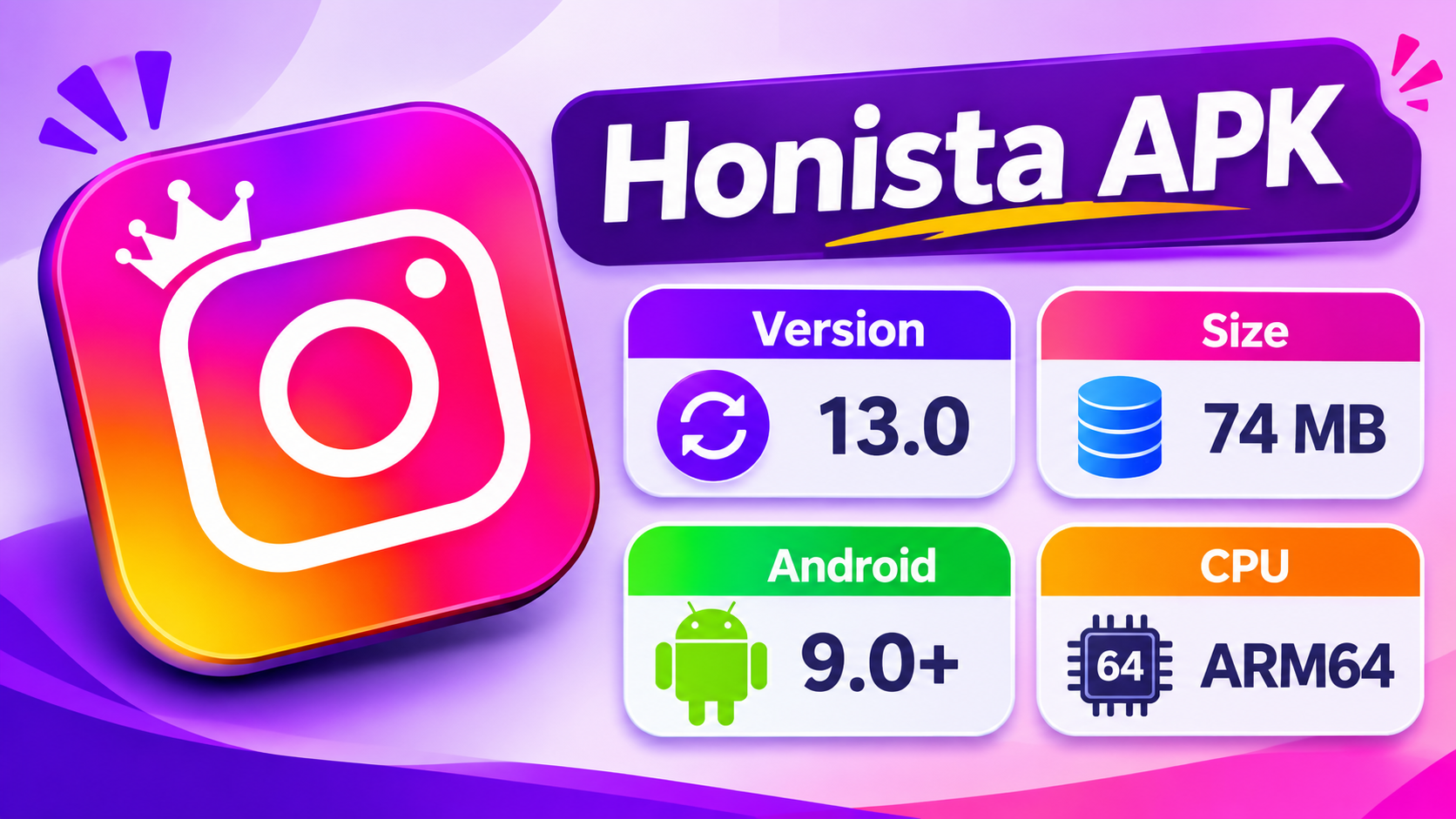
Android and CPU Requirements
| Requirement | What the developer lists |
|---|---|
| Android version | Android 9.0 or later |
| CPU architecture | arm64-v8a, which is 64-bit ARM |
| 32-bit phones | Not supported, the builds are 64-bit only |
| Free space | Not stated, keep at least a few hundred MB free |
| Installs next to Instagram | Yes, according to the developer's FAQ |
Most phones sold in recent years use a 64-bit ARM processor, but older budget phones can still be 32-bit. If you are unsure, a free hardware-info app from Google Play will show the supported ABIs. You need arm64-v8a in that list. The developer's download page says current and future releases drop 32-bit support.
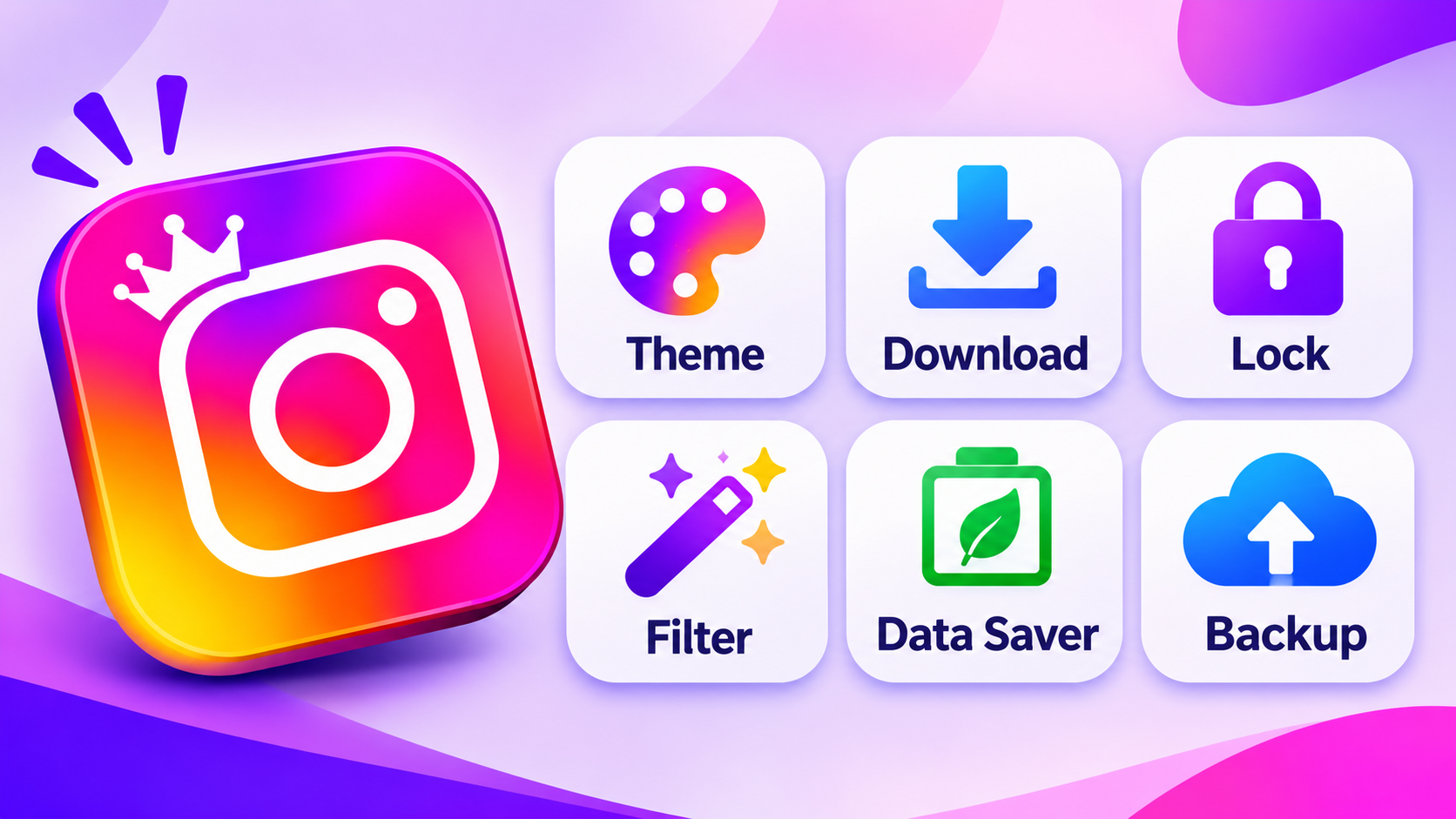
Main Features of Honista
These features come from the developer's home page and changelog. We have not tested them, and they can change with any Instagram update.
The developer says it lets you view stories and messages without sending the usual seen receipt. Its behaviour depends on how Instagram works at the time, so it is not guaranteed.
One-tap and custom download options for photos, videos, Reels and stories. Only save content you own or have permission to reuse.
The site mentions 50+ themes, custom fonts, chat backgrounds and 10+ emoji styles. This is the main reason people search for Honista emoji iPhone, and V12.0 added an iOS 18.4 pack.
Lock the app or single conversations, hide chats and change the app icon. A lock screen does not protect your data if the app itself is untrustworthy.
Options to hide ads, suggested posts and certain post types. Expect changes whenever Instagram changes its feed.
Lower upload and download quality to use less mobile data. The saving depends on how you browse.
A configurable tools section, with AI help for captions and replies, upload cancelling and customisable Reels buttons, introduced around V8.2.
Save your Honista settings and restore them later. This covers app settings only, not your Instagram account data.
How to Check Which Honista Version You Have
Honista has an update check in its own settings, and the developer also publishes a changelog. The simplest method is to compare your installed version with the changelog on honista.com. Do not install a file just because another website calls it a "new update".
For the "honista new update" and "honista update 2026" searches, the changelog is the only dated source. As of our check it ends at V13.0.
How to Install Honista APK on Android
Honista is not on Google Play, so installing it means sideloading an APK. The developer's page gives a short four-step process. This version adds the safety checks it leaves out:
- Open the developer's download page by typing the address yourself, not through an ad or a search result.
- Note the version and size shown there (13.0 and about 152.9 MB at our check).
- After the download, make sure the file size matches. If it does not, delete it.
- Open the file from your file manager. Android will ask you to allow installs from that app. Allow it for that one app only, then switch it off again afterwards.
- Keep Google Play Protect turned on and read any warning it shows. Do not disable it to finish the install.
- Open the app and check the version number in its settings.
If Android says "App not installed", the usual causes are an unsupported CPU, a damaged download or a conflict with another build of the same app. Do not try several random files from different sites.
Honista All Versions: Release History
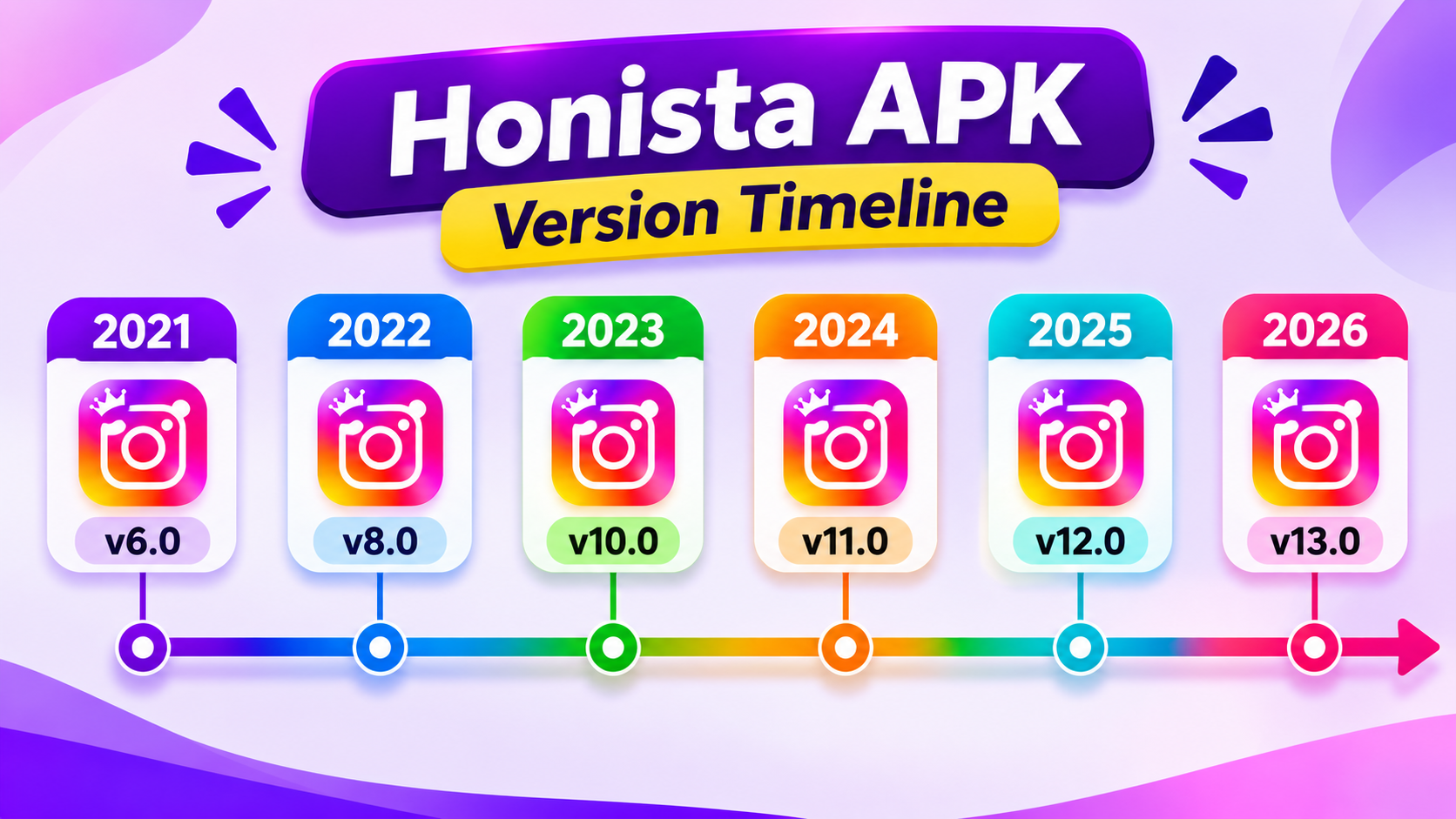
The developer lists 28 releases from V1.0 in August 2021 to V13.0 in June 2026. These are the ones people ask about most, with dates taken from the changelog:
| Version | Release date | Listed changes |
|---|---|---|
| V13.0 | 17 June 2026 | Base 406.0.0.58.159, arm64-v8a, bug fixes |
| V12.0 | 17 March 2026 | iOS 18.4 emoji pack, bug fixes |
| V11.1 | 29 September 2025 | Infrastructure overhaul, unified magic buttons, copy tools, send media to Telegram |
| V11 | 27 May 2025 | Base 367.0.0.43.89, bug fixes |
| V10.3 | 15 February 2025 | Page Analyzer |
| V10.2 | 12 January 2025 | Telegram bot login, ad-removal subscription |
| V10.1 | 31 October 2024 | Favourite pages, page notes |
| V9.1 | 7 August 2024 | Language selection, audio downloads, cover downloads |
| V8.2 | 17 April 2024 | Tools section, AI tools, upload cancelling, Reels options |
| V8.1 | February 2024 | Activity history, expired story viewing (48 hours), profile magic button |
| V8.0 | 15 November 2023 | Base 303.0.0.40.109, config reset and export tools |
| V6.0 | 21 March 2023 | Base 266.0.0.19.106, story font backgrounds |
| V5.0 | 6 December 2022 | Chat encryption option, app icon and name changes |
| V4.1 | 30 August 2022 | Magic buttons, post cover downloader, faster downloads |
| V1.0 | 17 August 2021 | Initial release on Instagram base 190.0.0.36.119 |
Honista Old Version Download: Should You Use One?
Readers searching for a Honista old version, Honista 8.2 APK download or Honista V4.1 APK download usually have one of two reasons: a feature they liked was removed, or the newest build does not run on their phone.
Be realistic about older builds. Each one sits on an older Instagram base, so it misses later security fixes and may stop connecting to Instagram's servers. V8.2, for example, comes from April 2024, and V4.1 from August 2022. The 64-bit-only rule also applies to current builds, so older files may be built for different processors than the one your phone has.
The developer publishes an all-versions page. If you must use an older release, take it from there and not from a mirror site, and expect that it may not log in.
Honista Lite vs Honista
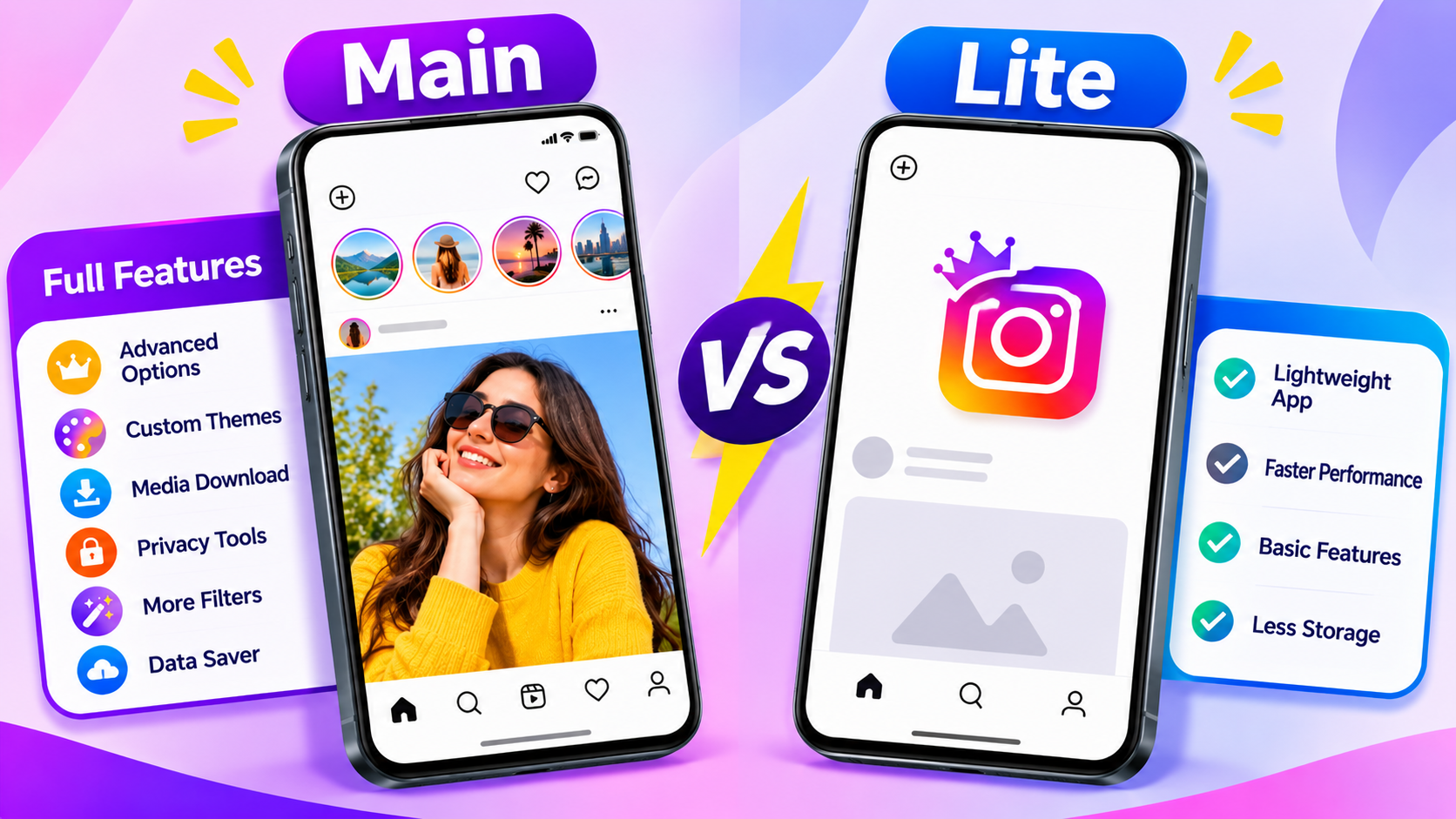
The developer also offers Honista Lite, a separate app with fewer features. It is listed as version 6.1, 155.96 MB, for Android 9 and arm64-v8a. Interestingly, the Lite file is slightly larger than the main app, so "Lite" refers to features, not download size.
| Point | Honista | Honista Lite |
|---|---|---|
| Version listed | 13.0 | 6.1 |
| File size | 152.9 MB | 155.96 MB |
| Ghost mode and content filters | Yes | No |
| Theme customisation | Full | Day and dark mode, emoji style only |
| Installs separately | Yes | Yes, can run next to the main app |
Do not confuse it with Instagram Lite, which is Meta's own lightweight app on Google Play. They are unrelated products.
Honista Pro, Instander and Similar Names
Searches for "Honista Pro APK", "Honinsta" or look-alike spellings often lead to pages that are not the developer's. The same is true for other Instagram mods such as Instander. A different name means a different developer and a different set of risks. Treat any file named "Pro" or with an unusual spelling as unverified until it matches the developer's site and changelog.
Honista iOS and Honista Emoji iPhone
Honista does not have an official iPhone version. The developer's FAQ says an iOS version is planned, which is not a release. An APK is an Android file and cannot be installed on an iPhone. Pages offering a "Honista iOS download" often ask for a configuration profile, an enterprise certificate or your Apple ID. Avoid them.
The iPhone emoji look people search for is an emoji pack inside the Android app. V12.0 listed an iOS 18.4 pack. It does not make Honista an iOS app.
Honista Login: What to Know First
You sign in with your Instagram username and password, so the app can see them. That is the biggest trust decision in this whole guide. A few rules lower the risk:
- Test with a spare account, not your main or business account
- Use a unique password and turn on two-factor authentication
- Never type your Instagram password into a website that claims to give "Honista access"
- Never share verification codes
- Check Instagram's security settings for unfamiliar logins after you try it
The developer's V10.2 notes mention a Telegram bot login option. We could not verify how it handles your credentials, so treat it with the same caution.
Is Honista Safe? Risks to Understand
No one outside the developer can promise that Honista is safe, and we do not. Here is what we found and what is unknown:
| Question | What we found |
|---|---|
| Who makes it? | The site credits "PerfecDev", with no company details or contact address that we could confirm |
| Is there a privacy policy? | We did not find one, only a "not endorsed by Instagram" notice |
| Is it endorsed by Instagram? | No |
| Is the source code public? | Not that we could find, so the code cannot be independently reviewed |
| Can your account be banned? | The developer says it is unlikely in most cases but warns that heavy use of features may lead to a ban |
Other risks are simple to state. Instagram's terms restrict accessing the service through unauthorised means, so an account can be limited or removed. Your login passes through code you cannot inspect. Updates come only when the developer publishes them. A look-alike file from another site can carry anything inside it.
"Security verified" badges that show antivirus logos on download pages are not proof. A single scan cannot guarantee that an app is safe, and a page that shows a logo has not necessarily been checked by that company.
Honista vs Official Instagram
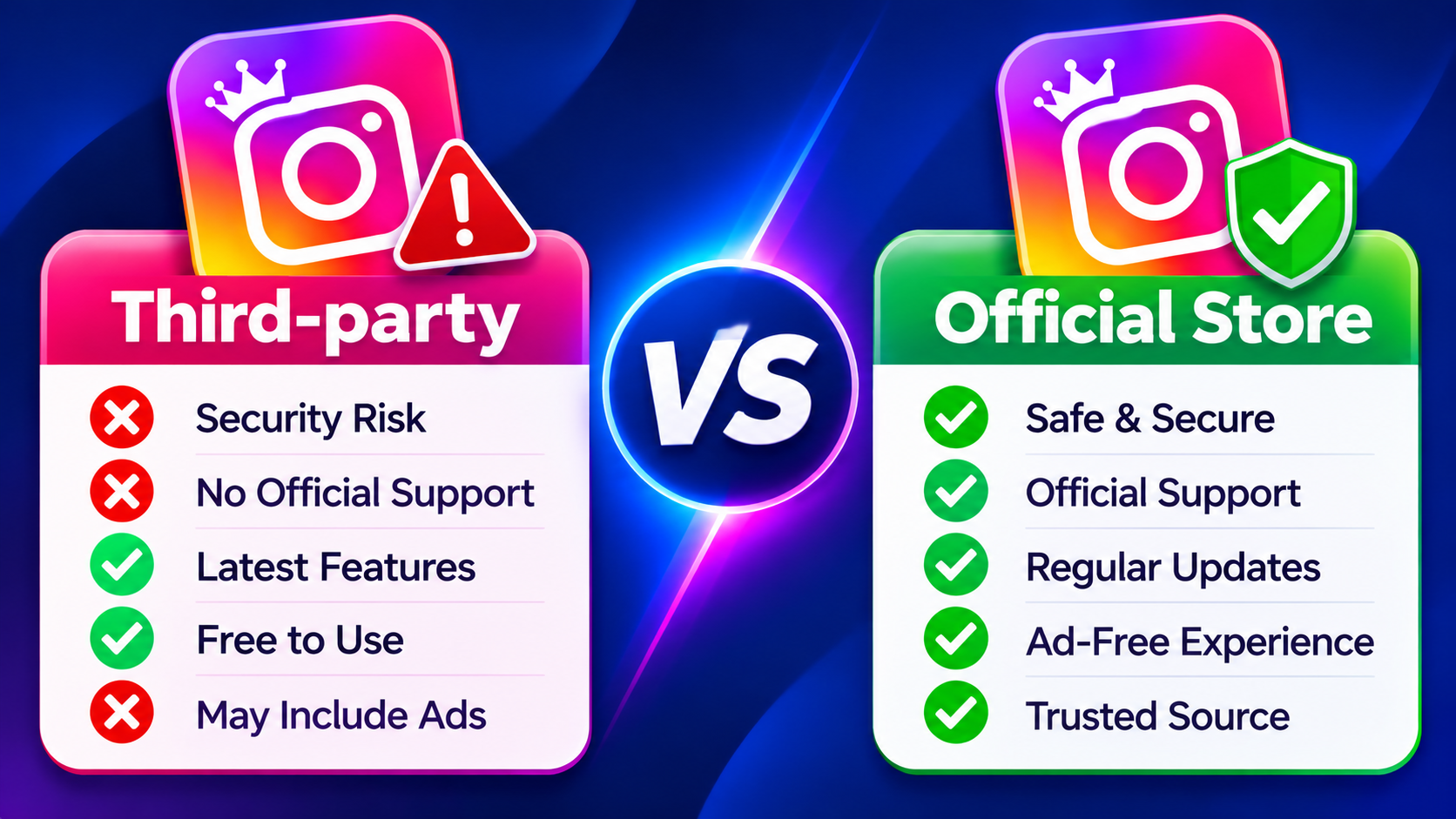
| Point | Honista | Instagram (official) |
|---|---|---|
| Source | Developer website, APK | Google Play and App Store |
| Publisher | PerfecDev (third party) | Meta |
| Support | Telegram channel and website | Official help centre |
| Built-in downloads | Advertised | Limited |
| Themes and filters | Extensive | Limited official options |
| Updates | When the developer releases them | Regular through the store |
| Account risk | Higher | Standard |
Troubleshooting Common Honista Problems
1. App Not Installed
Check that your phone is on Android 9 or later and has a 64-bit ARM processor. Confirm that the file size matches the developer's page, then try the download again from the same page.
2. Honista Keeps Crashing
Restart the phone, free up storage and check for a newer release in the changelog. If crashes began after a specific update, you can compare against an earlier release from the all-versions page.
3. Login Not Working
Check that the official Instagram app still works on your account. An old Honista build, a security check on your account or a changed Instagram server can all block sign-in. Do not retry on unknown login pages.
4. Downloads Not Working
Allow storage or media access, make sure the post is visible to your account, and confirm that your version supports that feature.
5. Update Not Showing
Compare your version with the changelog. If they match, you are on the latest release.
6. Both Honista and Instagram Show Notifications
If you installed both, log out of one or turn off notifications for it to avoid duplicates.
Honista Pros and Cons
Pros
- Many customisation and theme options
- Built-in download tools
- Data-saving options
- Public changelog with dates
- Installs next to the official app
- Free to download
Cons
- Not endorsed or supported by Instagram
- You enter your login into a third-party app
- No privacy policy or public code found
- Account restriction risk
- Many look-alike sites and fake files
- No iPhone version
Honista APK Frequently Asked Questions (FAQs)
Final Verdict
Honista does what its page says in terms of extra options, and the developer's dated changelog is more open than most mod sites. Version 13.0 needs Android 9, a 64-bit ARM processor and about 153 MB, and the only way to confirm those numbers is the developer's own page.
The bigger question is trust. You are handing your Instagram login to an app that Instagram does not support, from a developer with no published privacy policy. If you still want to try it, use a spare account, download only from the developer's site and keep your main account on the official app.

How we checked: Version, size, Android requirement, release dates and Lite details come from the developer's pages: home page, changelog, download page and Honista Lite page, read in November 2026. These pages can change, and we did not install or test the app.
Reviewed and tested by the ToolMato team. Always download from the official source linked above.